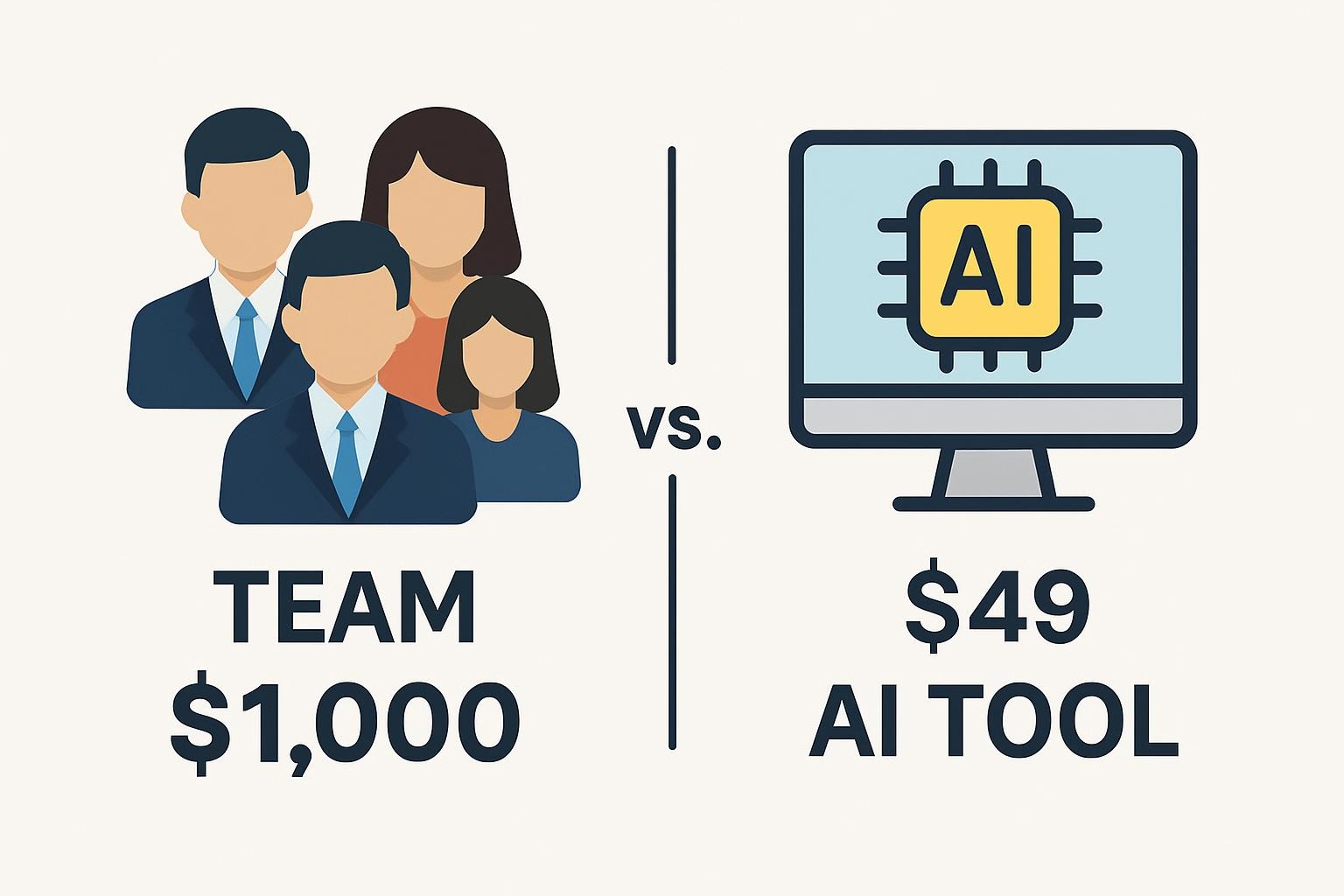
Replace Team with $49 AI Tool—Here’s What Happened

AI Automation · Small Teams
The “$49 replaces your whole team” pitch is everywhere right now. Some of it is real. Most of it isn’t. Here’s what I’ve actually seen work across 300+ workflow audits — with the math, the failure stories, and zero affiliate links.
TL;DR
- AI automation tools genuinely replace specific tasks, not roles. The distinction matters enormously for ROI calculations.
- The tasks where $49–$100/month tools earn their keep: email triage, report drafting, data extraction, social scheduling, basic support routing.
- The tasks where they quietly degrade quality without anyone noticing: anything requiring judgment, relationship context, or edge-case handling.
- Real ROI requires a specific calculation. “Our team saved 40%” is marketing copy. Your hourly cost × recurring hours × reliability rate is a real number.
I want to be upfront about something before we get into this. Articles about AI automation tools are almost universally written by people who are either selling a tool, affiliated with one, or repeating someone else’s hype. I’ve audited more than 300 small-team workflows at this point — mostly B2B SaaS companies and agencies in the US and EU — and the picture is more complicated and more interesting than “replace your team with a $49 subscription.”
No sponsorships. No affiliate links. Here’s what actually happened in those audits.
The framing of “replacing team members” is doing a lot of misleading work. AI automation tools replace tasks, not roles. A role is a bundle of tasks, judgment calls, relationships, and institutional knowledge. Tasks are the discrete, repeatable actions inside that bundle.
This matters because: a $49/month tool that handles 60% of the tasks in a role saves you time, not a salary. You still need the person — or you accept lower quality on the 40% the tool can’t handle. Sometimes that tradeoff is worth it. Often it’s not the straightforward win the pitch implies.
✓ Tasks AI tools handle reliably
- Routing and labeling inbound emails
- First-draft report generation from structured data
- Social media post scheduling and formatting
- CRM data entry from form submissions
- Invoice creation from project records
- FAQ-level customer support responses
- Meeting notes and action item extraction
- Data extraction from structured documents
✗ Where quality silently degrades
- Handling unhappy or escalating customers
- Strategic recommendations requiring context
- Client relationship management
- Edge cases outside the workflow pattern
- Anything requiring institutional memory
- Quality control on creative output
- Compliance decisions with real liability
- Anything where being wrong has consequences
Fig 1 — Task automation reliability: where tools earn their keep vs. where they quietly fail
Here’s the calculation I use in audits. It’s not glamorous, but it’s honest.
ROI FRAMEWORK — Small Team Workflow Automation
Identify recurring tasks taking >2 hrs/week
Start here
Hourly cost of person doing those tasks (salary ÷ 2080)
e.g. $35/hr
Weekly hours × hourly cost × 52 = annual task cost
e.g. 8hrs × $35 × 52 = $14,560/yr
Tool cost (annual)
e.g. $588/yr ($49/mo)
Reliability discount (what % of tasks actually run without human fix?)
Multiply savings by this %
Setup and maintenance time (often 10–20% of “saved” time)
Subtract this
Net annual savings at 75% reliability on 8 hrs/week
≈ $10,330/yr
That’s a real number for a specific scenario. The problem with “save 85% of costs” claims is they skip the reliability discount and the maintenance time. A workflow that runs correctly 65% of the time and requires human review on the rest hasn’t saved you as much as you think — it’s just moved the work.
Start Here 01
Email triage and routing
Genuinely one of the highest-ROI automation tasks for small teams. Classifying inbound email by type, routing to the right person or folder, drafting a first-response template — this is well-suited to tools like Zapier, Make, or n8n with a connected LLM step. ESTABLISHED
Failure mode to watch: The tool handles routine emails well and mishandles the edge cases — but nobody reviews the edge cases because the team thinks “AI handles email now.” Set up a daily review queue for anything the automation flagged as uncertain.
Start Here 02
First-draft report and summary generation
If your team produces regular reports from structured data sources — sales numbers, analytics exports, project status — AI drafts save real time. The key word is draft. Someone needs to review and sign off. The moment you skip review, quality degrades and no one notices until it matters. ESTABLISHED
What actually works: Connect data source → LLM step with a structured prompt specifying format and required elements → human review before send. The prompt quality matters enormously here. A vague prompt produces a vague report.
Start Here 03
FAQ-level customer support routing
For repeat questions with stable answers — pricing, return policies, basic how-to — an AI assistant front-end can handle 60–70% of volume. PROBABLE
Hard requirement: The automation must escalate anything it can’t confidently answer, any complaint or frustration signal, and any question touching money, legal, or account access. Automating those categories without oversight is where the damage happens. Every audit I’ve done that went wrong cut corners here.
Be Careful 04
Replacing human judgment in customer escalations
This is the one I’ve seen cause the most real-world damage. A customer with a billing dispute or a service failure doesn’t want a polished automated response — they want to feel heard by a person who can actually fix something. Automation here doesn’t just fail to help; it actively makes situations worse. ESTABLISHED
What I’ve seen: Companies that automated their escalation layer saw short-term ticket-close metrics improve (because the automation “resolved” tickets by closing them) while NPS scores dropped and churn increased. The metrics looked good. The business was quietly degrading.
▶ Failure I Audited
A 15-person agency implemented an AI workflow for client reporting — automated data pull, GPT-generated commentary, auto-send every Friday. Three months in, a client noticed their report had been citing the wrong campaign dates for six weeks. The automation had a date-parsing error. Nobody caught it because “the AI handles reporting now.” The client didn’t renew. The cost of that lost contract was roughly 40x the tool’s annual cost. The tool wasn’t the problem — the missing review step was.
I’m going to give you a short honest list rather than a detailed comparison table, because tool pricing and features change faster than any article can track. Check current pricing directly.
Zapier — the most accessible, largest integration library, most expensive at scale. Best for teams that want to start quickly without technical overhead.
Make (formerly Integromat) — more powerful than Zapier for complex multi-step workflows, lower cost at volume, steeper initial learning curve. My default recommendation for teams with a technical resource available.
n8n — open source, self-hostable, cheapest at scale if you have someone who can manage it. Best for teams with a developer who wants control over data handling and costs.
Lindy — newer, agent-focused, genuinely interesting for multi-step autonomous tasks. Less mature integration library than Zapier. Worth evaluating if your use case involves longer task chains rather than simple triggers.
I have no affiliate relationship with any of these. Pick based on your technical capacity and workflow complexity, not based on which one has the best marketing copy.
Related on BestPrompt
B2B Prompt Templates Hallucination Mitigation in Production System Prompt Architecture Guide AI Data Handling Checklist⚑ What Could Be Wrong Here
The reliability estimates and ROI patterns I’m describing come from audits of B2B SaaS teams and digital agencies. E-commerce, healthcare, legal, and manufacturing operations may have completely different automation profiles. Don’t assume these numbers transfer directly.
Something I said about a tool’s limitations 6 months ago may already be outdated. The reliability estimates here are based on production use in 2024–early 2025. Check current reviews and run your own pilot before committing. SPECULATIVE on anything involving model capability improvements.
Workflows break when APIs change, when edge cases multiply, or when your business changes and the automation doesn’t. The ongoing maintenance cost of complex automation stacks is real and under-discussed. Include it in your ROI estimate. Teams that built 50-step Zapier workflows in 2022 are now discovering this the hard way.
Can I really replace a full-time employee with a $49 tool?
Rarely. You can replace specific tasks that were taking a person’s time — sometimes enough tasks that you don’t need to hire the next person, or that an existing person can take on other work. “Replace a full-time employee” is the headline; “defer one hire while your volume is below a threshold” is usually the reality. That’s still valuable. Just price it correctly.
How do I know which tasks in my workflow are automation-ready?
A task is automation-ready if it: (1) has a clear trigger, (2) has consistent, predictable inputs, (3) has an output you can evaluate without deep expertise, and (4) runs more than 3–4 times per week. Tasks that require judgment, handle exceptions, or involve relationship context are not automation-ready — even if an AI can plausibly attempt them.
What’s a realistic timeline to see ROI from workflow automation?
Setup takes longer than vendors claim — budget 2–4 weeks for a single non-trivial workflow, including testing. You’ll see time savings start accruing around week 3–4, but you won’t have a reliable ROI picture until the workflow has run for 2–3 months and you’ve hit some edge cases and fixed them. “10x ROI in 30 days” is marketing copy.
Should I use no-code tools or build with the API directly?
No-code (Zapier, Make) for straightforward trigger-action workflows and for teams without developers. API-direct for anything requiring custom logic, data transformation, or where you need to control costs at scale. The no-code tools charge per task execution; at high volume, API-direct becomes significantly cheaper. The breakeven point is usually around 50,000–100,000 executions per month depending on complexity.
How do I stop the automation from quietly degrading quality?
Build a review step into every automated workflow that produces customer-facing output. Set a calendar reminder to manually review 10 random samples every two weeks. Track one quality metric per automation — not just “did it run” but “was the output correct.” Most automation quality failures happen because teams stopped checking after the first month when everything looked fine.
What about data privacy — is it safe to send business data through these tools?
It depends on the tool, the data type, and your regulatory context. Zapier, Make, and most platforms have enterprise tiers with DPA agreements and SOC 2 compliance. The free and lower-cost tiers may not have the same protections. Don’t send PII, financial data, or anything confidential through a tool you haven’t reviewed the data handling agreement for. The EU AI Act and GDPR add additional requirements for EU-based operations.
What’s the single most common mistake teams make when starting automation?
Automating before understanding the process. Teams that automate a poorly-designed manual workflow just get a poorly-designed automated workflow — faster and more consistently wrong. Spend a week mapping the current process, identifying the actual failure points, and fixing the human version first. Then automate the clean version. Skipping this step accounts for most of the “the automation doesn’t work” complaints I hear.
The best automation decision isn’t the one that replaces the most people — it’s the one that’s still running correctly six months later.
https://www.bestprompt.art/best-ai-prompt-generators-in-2026/
https://www.bestprompt.art/prompt-generator-in-2026/
https://www.bestprompt.art/best-ai-tools-for-prompt-generation/
https://www.bestprompt.art/10-powerful-ai-prompt-generators/
https://www.bestprompt.art/ai-and-the-future-of-creativity/
https://www.bestprompt.art/output-control-in-2025-the-secret-to-better-results/
https://www.bestprompt.art/top-10-ai-writing-tools/
https://www.bestprompt.art/prompt-engineering-for-developers/
https://www.bestprompt.art/10-best-prompt-engineering-tools-to-use/
https://www.bestprompt.art/ai-in-community-management/
https://www.bestprompt.art/9-prompt-engineering-tools/
https://www.bestprompt.art/chatgpt-prompt-secrets-everyone-misses-in-2025/
https://www.bestprompt.art/the-best-prompt-tool/
https://www.bestprompt.art/generative-ai-for-designers-2025/
https://www.bestprompt.art/advanced-prompt-fine-tuning-tools/
https://www.bestprompt.art/ai-prompt-tools-in-2026/
https://www.bestprompt.art/best-prompt-generator-tools-for-ai-writers/
https://www.bestprompt.art/ai-code-debugging-2025/
https://www.bestprompt.art/10-best-prompt-engineering-tools-in-2026/
https://www.bestprompt.art/prompt-engineering-tools-online/
https://www.bestprompt.art/overcoming-bias-in-ai/
https://www.bestprompt.art/excellence-with-ai-generated-prompts/
https://www.bestprompt.art/prompt-engineering-courses-in-2026/
https://www.bestprompt.art/ai-prompt-tools-compared/
https://www.bestprompt.art/your-unique-creative-team/
https://www.bestprompt.art/chatgpt-prompt-engineering/