Practical Field Guide · Updated August 2026
The Free AI Tools That Still Earn Their Place in August 2026
Six months ago, “free AI tools” meant capped demo versions. Now the free tiers run current-generation models — but several got quietly downgraded this summer. Here’s what actually still works, what changed, and the one workflow habit that outperforms buying more subscriptions.
Quick Answer
- Best all-around free reasoning tool: Claude, now running Sonnet 5 on the free tier since June 30, 2026 — the same model that used to be Pro-only.
- Best for current information: Perplexity’s free Standard tier, but budget for its tightened caps — 3 Pro Searches and 1 Research report per day, not unlimited.
- Best hidden gem, still: Gemini Notebook (the product formerly known as NotebookLM) — free, source-grounded, and now works without any Google AI subscription at all.
- What quietly got worse: Free coding agents. Replit’s free tier no longer includes real Agent access, and GitHub Copilot’s free plan moved to a metered credit system in June 2026.
- The one change to build a habit around: Match the job to the tool’s architecture — reasoning, search, or execution — before you touch the prompt box.
The honest starting point is that the ground shifted under this topic twice in the last four months. In April, the story was simple: free tiers had gotten good enough to matter. By August, that story split in two directions at once. The core chat models got dramatically better for free — OpenAI moved free ChatGPT users onto GPT-5.6 Luna and, as of the week of August 10, removed the text-message cap entirely. Anthropic did something similar in reverse order, quietly making Claude Sonnet 5 the free-tier default on June 30. But the “making” category — free coding agents, in particular — moved the other way. Replit restructured its Agent access behind the paid Core plan, and GitHub switched Copilot Free to a metered credit system on June 1. Any article that hasn’t been touched since spring is now wrong on at least one major tool.
That split matters more than any single tool review, because it tells you something durable: free tiers move in the direction of whatever a company is trying to convert you toward. Chat is cheap to serve at scale and drives habit formation, so it gets generous. Agentic coding burns real compute per task, so it gets metered first. Once you see that pattern, you stop being surprised when a free tier changes under you.
Stanford HAI, 2026 AI Index
Stanford HAI, 2026 AI Index
GitHub, 2026
Google, verified Aug 2026
What actually changed since spring
I went back through every claim in the version of this guide that circulated in April and checked it against each provider’s current documentation, plus independent trackers that log pricing-page changes with dates. Three things had aged badly enough to require a rewrite rather than a patch.
| Tool | April 2026 claim | Verified August 2026 status | Direction |
|---|---|---|---|
| ChatGPT | Free tier on GPT-4o, capped messages | Free tier moved to GPT-5.6 Luna on Aug 6; text chat uncapped from the week of Aug 10. Ads now appear on Free/Go in the US. | Better, with a catch |
| Claude | Sonnet-class model, daily cap | Claude Sonnet 5 became the free-tier default on June 30, replacing Sonnet 4.5 — a model that was Pro-exclusive months earlier. | Meaningfully better |
| Perplexity | Unlimited standard queries | Standard search is still effectively unlimited, but Pro Searches are capped at 3/day and Deep Research at 1/month on the free plan — tighter than commonly assumed. | Tighter than advertised |
| NotebookLM | Free, Google-account only | Rebranded Gemini Notebook; now runs on Gemini 3; free tier confirmed at 100 notebooks, 50 sources, 50 chats/day, 3 audio overviews/day. | Renamed, still strong |
| Replit AI | Browser IDE, free Agent access | Free “Starter” tier keeps public Repls and limited compute, but real Agent usage now requires the $20–25/month Core plan plus metered credits. | Downgraded for free users |
| GitHub Copilot | Not previously covered | Free tier now offers 2,000 completions and 50 chat/agent requests per month — the strongest free entry point for coding-focused users specifically. | New addition worth knowing |
I want to flag a limitation honestly: none of the major providers publish exact numeric rate limits for their free chat tiers. Anthropic describes Claude’s cap as “a rolling budget” over a five-hour window rather than a fixed message count, and OpenAI’s own messaging around the August uncap has been layered with separate, undisclosed limits on images and file uploads. Any guide — including earlier drafts of this one — that states an exact number of free messages per day for ChatGPT or Claude is likely quoting an outdated or unofficial figure. Treat those numbers as directional, not contractual.
The four jobs, not twelve tools
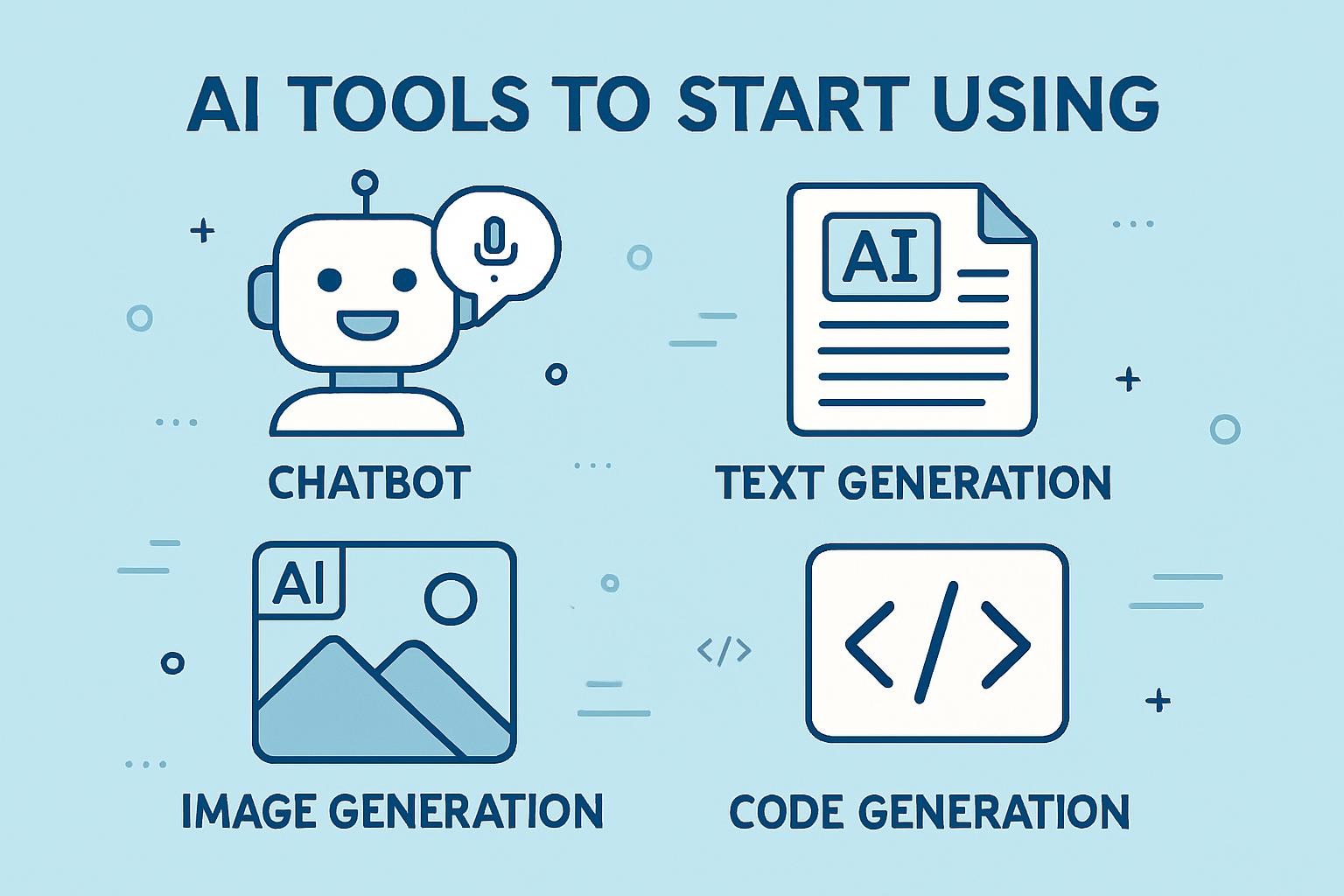
Most roundups treat “AI tools” as one undifferentiated bucket. That’s the single biggest reason people churn through five tools and stick with none. There are really four distinct jobs, and each one maps to a different tool architecture:
| Job | What it needs | Best free match |
|---|---|---|
| Thinking | Drafting, analysis, long-document reasoning, coding logic | Claude (Sonnet 5) or ChatGPT (GPT-5.6 Luna) |
| Searching | Current facts, cited sources, live events | Perplexity Standard, or Gemini’s Google Search grounding |
| Synthesizing | Answering questions about your own documents, not the open web | Gemini Notebook (NotebookLM) |
| Making | Shipping code, images, or slides as a finished artifact | GitHub Copilot Free for code; provider-specific image tools with care on licensing |
The mistake that wastes the most time is using a thinking tool for a searching job — asking ChatGPT or Claude, neither of which has live data by default, “what’s the current price of X” or “what happened this week.” Both will sometimes answer confidently and be wrong, because a knowledge cutoff isn’t a warning label the model can see on itself mid-answer. That’s not a flaw specific to one vendor; it’s a structural property of how reasoning models are trained. When the job is current information, reach for a search-grounded tool first.
The 2026 free-tool stack, tool by tool
| Tool | Best job | Free tier reality (Aug 2026) | Real limits | Licensing note |
|---|---|---|---|---|
| ChatGPT Free |
Thinking: writing, coding, general analysis | GPT-5.6 Luna by default since Aug 6; unlimited text chat from the week of Aug 10; web search and basic image generation included | Only one reasoning mode (“Think”), no thinking-effort slider; separate undisclosed caps on images and file uploads; ads shown to US free users since Feb 9, 2026 | Outputs are generally yours to use; verify current commercial-use terms for generated images in OpenAI’s usage policies |
| Claude Free |
Thinking: long-document analysis, nuanced writing, careful reasoning | Claude Sonnet 5 by default since June 30, 2026; web search and file uploads (up to 20 files/chat) included | Usage described as a rolling 5-hour budget, not a published message count; no image generation; Claude Code isn’t included on Free | Outputs usable for personal and commercial use under Anthropic’s consumer terms — confirm current wording before high-stakes commercial use |
| Perplexity Free |
Searching: current facts, cited research | Effectively unlimited standard search with citations; 3 Pro Searches/day; 1 Research report/month | No manual switching to frontier models (GPT, Claude, Gemini) — free plan runs Perplexity’s own Sonar model; no image generation; no Spaces or Pages | Cited summaries are Perplexity’s synthesis; treat quoted passages from underlying articles as subject to the original publisher’s copyright |
| Gemini app Free |
Thinking + light search inside Google’s ecosystem | Unlimited text conversations on a Flash-class Gemini model; Google Search grounding; basic image generation | Standalone app is weaker than ChatGPT/Claude for deep reasoning; the strongest Gemini models (Pro-tier) require Google AI Plus/Pro | Outputs generally usable; Google’s data-training defaults vary by account type — check Activity settings |
| Gemini Notebook Free Renamed |
Synthesizing: answering questions from your own uploaded sources | 100 notebooks, 50 sources/notebook, 50 chat queries/day, 3 audio + video overviews/day — runs on Gemini 3, no subscription required | Only answers from material you upload; not a general chatbot; Cinematic Video Overviews are Ultra-only | Your uploaded documents stay private to your account per current Google policy — reconfirm before uploading regulated data |
| GitHub Copilot Limited free |
Making: shipping real code inside your existing editor | 2,000 code completions and 50 chat/agent requests per month, works in VS Code, JetBrains, and the CLI | June 2026 shifted paid tiers to a metered “AI credit” system; free-tier completions still flat-rate but chat/agent draws down the 50-request pool fast on agentic tasks | Generated code is yours to use; GitHub’s public-code training and suggestion-matching settings are configurable per account |
| Replit AI Limited free |
Making: cloud IDE for public, throwaway projects | Free Starter tier: public Repls, ~0.5 vCPU, 10GB storage, small daily Agent credit allowance | Real Agent-driven app building now effectively requires Core ($20–25/month) plus metered credits — the free tier alone is closer to a sandbox than a build tool | Code you write is yours; free-tier projects are public by default, which matters for anything containing credentials or client data |
Licensing — the part most guides skip
Free doesn’t mean unrestricted. Image outputs from different tools carry different commercial-use terms, and those terms change alongside pricing pages, so a rule you read six months ago may no longer be current. The practical habit: before you put any AI-generated image, audio clip, or block of code into client work, open that specific tool’s current terms of service and confirm commercial-use language for the plan tier you’re actually on — not the tier the marketing page describes.
Myth vs. fact: what’s actually true right now
Prompt architecture: the one skill that compounds
When I compared outputs from a vague prompt against a structured one on the same task, the gap wasn’t subtle — it was the difference between a draft that needed a rewrite and one that needed a read-through. The structure that consistently closes that gap is simple: role, constraint, format, then the actual task.
Before / After
Vague: “Write an email to my client about the delay.”
Structured: “You are a senior account manager writing to a client who values directness. Keep it under 80 words. The delay is two days, caused by a supplier issue. Draft the email.”
That structure removes the model’s need to guess at context, tone, and length — and every guess it has to make is a place the output can drift from what you actually wanted. This works the same way across ChatGPT, Claude, and Gemini, because it isn’t a vendor trick; it’s how you reduce ambiguity for any language model regardless of which company trained it.
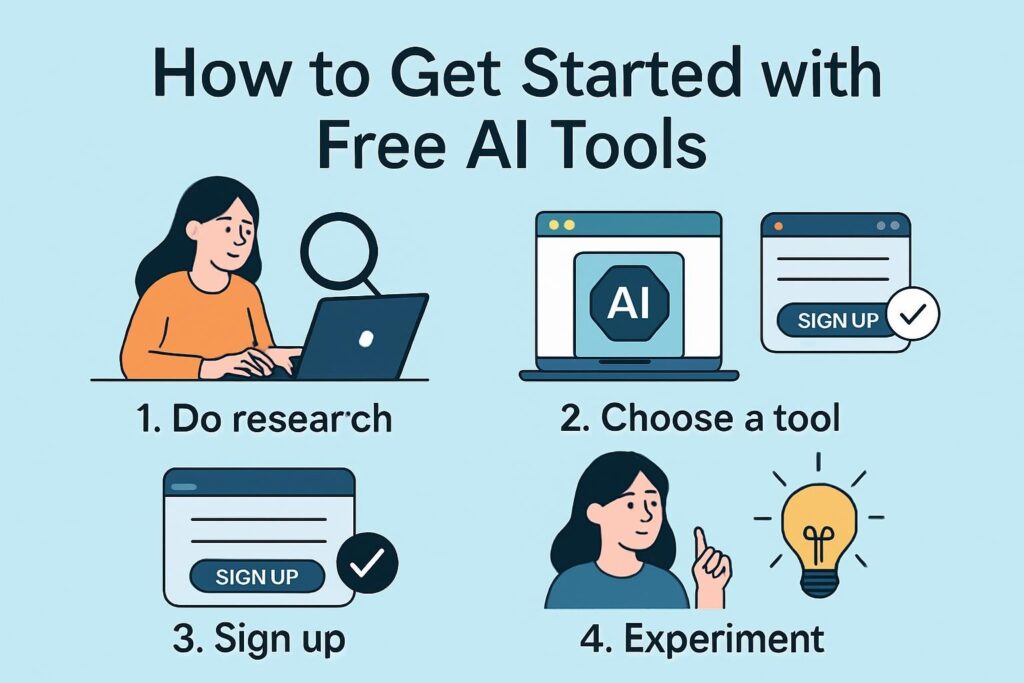
Getting started: an eight-step workflow
Not “I want to use AI” — a specific task costing you 30+ minutes a week. Writing, research, code review, document synthesis: pick one.
Thinking → Claude or ChatGPT. Current facts → Perplexity. Your own documents → Gemini Notebook. Shipping code → GitHub Copilot inside your existing editor.
Keeps policy-change notices, usage warnings, and reset emails out of your main inbox.
Role → constraint → format → task. Run it once vague, once structured, and compare — the difference is the whole skill.
Reasoning models will state specific numbers, dates, and citations with total confidence even when wrong. Cross-check anything you didn’t already know.
Most free tiers use conversations to improve models unless you opt out. If you’re pasting client or company data, check settings first — or don’t paste it.
Log which tasks you used AI for and how long they actually took versus your prior estimate. This is what tells you where the real value is.
Add a new tool when a specific task can’t be done with what you have — not because a roundup article told you to.
✓ Do: Structure every prompt with role, constraint, format
✗ Don’t: Ask vaguely and blame the model
A vague prompt produces a generic answer from every provider, not just one. This is the highest-leverage fix available and it’s free.
✓ Do: Use Perplexity or search-grounded Gemini for anything time-sensitive
✗ Don’t: Ask ChatGPT or Claude for “today’s” price or news
Both have knowledge cutoffs and will sometimes answer confidently and incorrectly rather than flagging the gap.
✓ Do: Check licensing before publishing any AI asset commercially
✗ Don’t: Assume last year’s licensing rule still applies
Terms of service for AI-generated images, audio, and code shift alongside pricing changes — reverify per tool, per plan tier.
✓ Do: Re-verify free coding tools before relying on them
✗ Don’t: Assume a free coding agent still works the way it did in spring
This category — Replit, Copilot, similar agentic coding tools — has changed the fastest of anything covered here in 2026.
✓ Do: Keep sensitive data out of free tiers by default
✗ Don’t: Paste contracts, salary data, or client specifics into a public chat
Opt out of training-data contribution in settings, or use a paid tier with a data processing agreement for anything sensitive.
✓ Do: Combine tools by job, not by brand loyalty
✗ Don’t: Force one tool to do everything
Draft in Claude, verify facts in Perplexity, synthesize your own source documents in Gemini Notebook. Each tool doing what it’s architected for beats one tool doing all three badly.
The Free-Tool Fit Score
To make the “which tool” decision repeatable instead of a fresh guess every time, score any candidate tool against five weighted factors before you commit to a workflow built around it. This is a simple framework, not a scientific instrument — but it forces the comparison that most people skip.
A tool scoring 20+/25 is stable enough to build a recurring workflow around. Anything under 15 — which, as of August 2026, includes Replit’s free Agent tier and Perplexity’s free model selection — is fine for occasional use but risky to depend on for anything with a deadline.
Where this goes next
Three trends are visible in the data rather than in vendor marketing. First, reasoning quality at the free tier keeps converging with paid tiers for pure chat — the compute cost of serving a “good enough” model keeps falling, and providers pass some of that savings to free users because it drives habit formation. Second, specialized tools are splitting off from general chatbots: Gemini Notebook for documents, Perplexity for search, Copilot for code completion — each doing one narrow job better than a general-purpose model manages. Third, and this is the trend the April version of this piece underweighted: agentic execution — tools that take multi-step actions rather than just answering — is being metered far more aggressively than chat, because each autonomous step costs real compute. Expect that gap between “free chat” and “free agent” to widen before it narrows.
One limitation worth naming plainly: free tiers exist to convert users to paid subscriptions, and that model is stable only while providers are well-funded. If AI infrastructure spending tightens, free tiers are the first thing companies cut — it has happened before with other software categories. The practical response isn’t to avoid free tools; it’s to avoid building anything mission-critical entirely on top of a tier that could disappear with a pricing-page update.
FAQ
Is Claude’s free tier really the same model as the paid tier?
As of June 30, 2026, free and Pro Claude users both default to Claude Sonnet 5. The difference is usage volume and access to Opus 4.8, not the core free-tier model quality.
Why did ChatGPT start showing ads to free users?
OpenAI began showing clearly labeled ads at the bottom of some answers to US Free and Go-tier users starting February 9, 2026. Paying Plus, Pro, Business, and Enterprise subscribers don’t see them. OpenAI states the ads don’t influence the answer content itself.
Is NotebookLM still called NotebookLM?
Google has renamed it Gemini Notebook as part of folding it into the broader Google AI subscription structure at I/O 2026, though the underlying product and its free tier are functionally the same experience under a new name.
Can I still build a real app for free with Replit?
You can use the free Starter tier for small, public, low-compute projects, but meaningful Agent-driven app building now effectively requires the paid Core plan plus metered credits — this changed from the more generous free access available in 2025.
What’s the single best free tool for someone starting from zero?
Claude or ChatGPT for general thinking tasks, paired with Perplexity when you need something verified against current sources. That two-tool combination covers the large majority of everyday use cases without hitting a paywall.
Glossary
- Free tier
- A permanently no-cost access level to an AI product, distinct from a time-limited trial of a paid plan.
- Rate limit / rolling budget
- A usage cap measured over a sliding time window (e.g., 5 hours) rather than a fixed daily message count.
- Search-grounded model
- An AI system that retrieves live web results before answering, as opposed to relying solely on its training data.
- Knowledge cutoff
- The point in time after which a model has no training data, and therefore no inherent awareness of later events.
- Agentic AI
- A system that can take multiple autonomous actions (browsing, editing files, running code) toward a goal, rather than answering a single prompt.
Who this is for
For practitioners doing client work: reverify licensing terms before publishing any AI-generated asset, and check privacy/data-training defaults before pasting sensitive material. Both take five minutes and prevent expensive mistakes.
For managers deciding whether to encourage adoption: the question isn’t “should we use AI” anymore — 70% of organizations already do, per Stanford HAI’s 2026 Index. The useful question is which specific workflows, which tools, and what verification process sits around them.
For complete beginners: open Claude or ChatGPT right now and write one structured prompt — role, constraint, format, task — for something you did manually this week. The learning curve here really is about one conversation long.
A note on how this was checked
Every specific figure in this piece — model names, dates, and limits — was checked against each provider’s own plan or documentation pages, or against independent pricing trackers that publish their verification dates, rather than against secondary roundup articles. Where a provider doesn’t publish an exact number (this is true for ChatGPT and Claude’s chat rate limits), that’s stated explicitly rather than filled in with an invented figure. If you’re reading this more than a few months after the “updated” date at the top, treat every specific limit as a starting point to reverify, not a guarantee.
Internal resources from BestPrompt.art
For deeper coverage of prompt engineering techniques and tool-specific guides, the BestPrompt.art library is free and updated alongside major model releases — worth bookmarking alongside the tools themselves.