Five tools, fifteen real-world prompt patterns, one copyright minefield, and a case study where AI art actively hurt a campaign. A practitioner’s guide with no vendor cheerleading.
Let me be direct about something that gets glossed over in every “AI art guide” I’ve read: most people spending money on AI image tools are using the wrong one for their actual workflow.
The platforms that held the crown two years ago have changed dramatically. OpenAI retired DALL-E 3 as its default in March 2025 and built image generation directly into GPT-4o. Midjourney launched V7 in April 2025 and made it the default model in June — a complete rebuild that widened its lead on artistic quality. FLUX by Black Forest Labs emerged as a legitimate open-source alternative at $0.06 per image. The landscape shifted in eight months. If your mental model of these tools is from 2024, you’re working with outdated information.
Here’s what actually matters now: these three platforms now serve over 50 million creators globally, and the quality gap between them has widened in counterintuitive ways. Midjourney got better at aesthetics. GPT-4o got dramatically better at text-in-image (something DALL-E struggled with). Stable Diffusion’s ecosystem expanded with SD 3.5 in three variants, including one that runs on a consumer GPU with 10GB VRAM.
The result: the “best AI art tool” question has a correct answer that depends entirely on what you’re actually making.
Choosing Your Tool: An Honest Comparison
The tools are genuinely different in philosophy — not just features. Aloa’s 2026 comparison frames it well: Midjourney treats image generation as an art form, GPT-4o treats it as a multimodal conversation, and Stable Diffusion treats it as a programmable infrastructure problem. Choosing without understanding that framework is how you end up with the wrong subscription.
| Tool | Starting Price | Artistic Quality | Text-in-Image | API / Dev Use | Best For |
|---|---|---|---|---|---|
| Midjourney V7 | $10/mo | ★★★★★ | ★★☆☆☆ | No public API | Creative campaigns, concept art, editorial |
| GPT-4o Images | $20/mo (Plus) | ★★★★☆ | ★★★★★ | Via OpenAI API | Marketing assets with text, iterative refinement |
| Stable Diffusion 3.5 | Free (local) | ★★★☆☆ | ★★★☆☆ | Full control | Developers, custom pipelines, sensitive data |
| Adobe Firefly | Free tier / $9.99+/mo | ★★★☆☆ | ★★★★☆ | Via Adobe APIs | Commercial-safe assets, Adobe ecosystem users |
| Ideogram V3 | $8/mo | ★★★★☆ | ★★★★★ | Limited | Posters, social graphics, branded text |
| FLUX 1.1 Pro | $0.06/image | ★★★★☆ | ★★★☆☆ | Via fal.ai / Replicate | Cost-conscious developers, photorealism |
Prompt Engineering: What Actually Changes the Output
Most prompt guides give you phrases to paste. This section explains the mechanics — which means you can construct better prompts for situations these examples don’t cover.
The Anatomy of a Prompt That Works
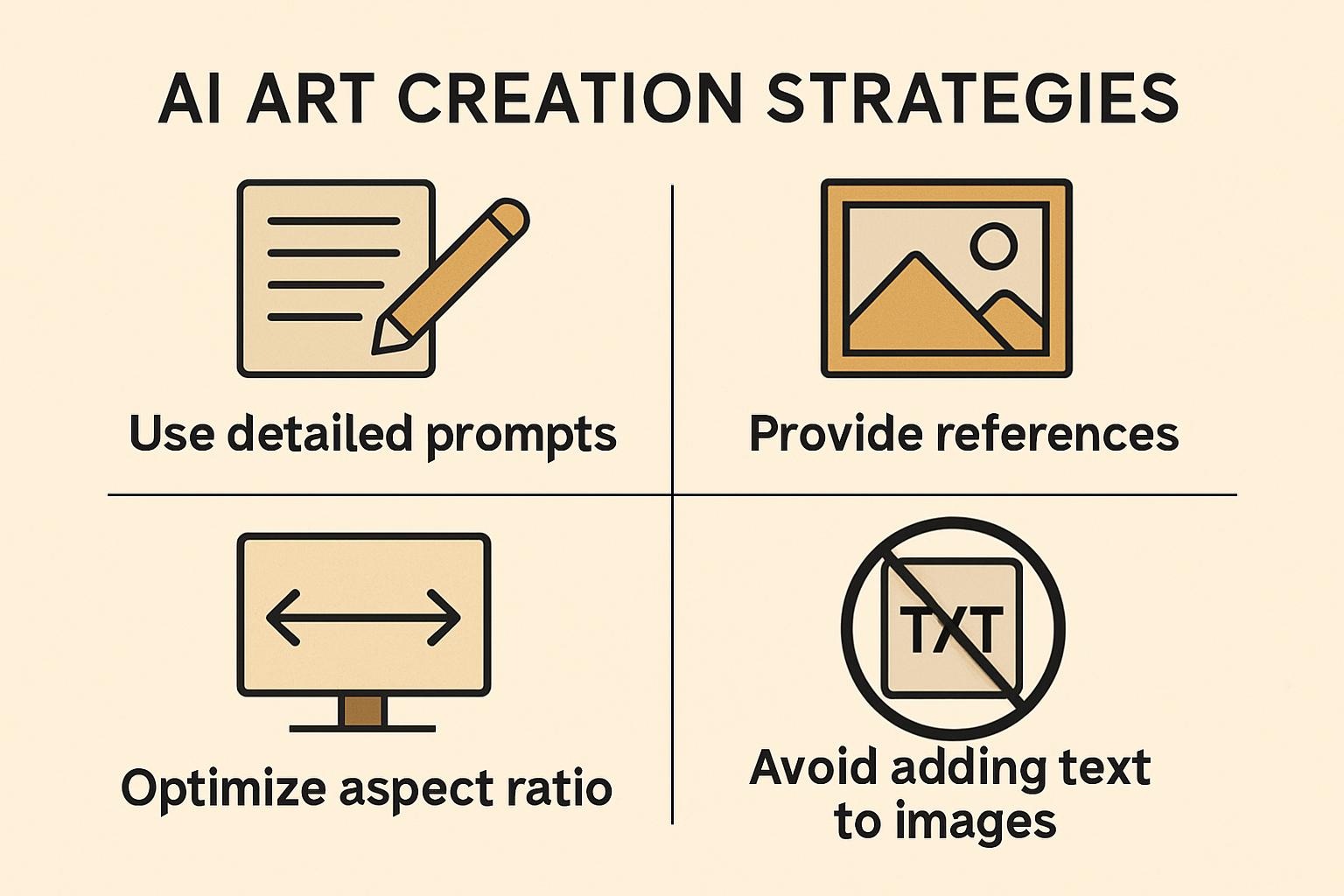
Every strong AI image prompt has four components: subject (what’s in the frame), context (environment, time, relationship to subject), style (visual language — artistic movement, photographer name, medium), and technical parameters (aspect ratio, quality flags, negative prompts). The most common mistake is front-loading style and ignoring context. Context is what separates “professional photograph” from “professional photograph of a pharmacist at a cluttered independent pharmacy, late afternoon light through dusty venetian blinds.”
Prompt 1 — Architectural / Editorial Quality (Midjourney)
Prompt 2 — Marketing Asset with Text (GPT-4o / Ideogram)
Prompt 3 — Stable Diffusion Python Pipeline
For developers building batch generation pipelines. This uses Stable Diffusion 3.5 via the Hugging Face Diffusers library.
# Requires: pip install diffusers transformers accelerate torch
# SD 3.5 Large needs ~24GB VRAM; Medium runs on ~10GB consumer GPU

from diffusers import StableDiffusion3Pipeline
import torch

pipe = StableDiffusion3Pipeline.from_pretrained(
    "stabilityai/stable-diffusion-3.5-medium",
    torch_dtype=torch.bfloat16,
)
pipe = pipe.to("cuda")

prompts = [
    "product photograph, ceramic coffee mug, white studio, soft key light, f/8",
    "product photograph, ceramic coffee mug, outdoor cafe, golden hour, lifestyle",
]

for i, prompt in enumerate(prompts):
    image = pipe(
        prompt,
        num_inference_steps=28,
        guidance_scale=7.0,
        negative_prompt="blurry, low quality, distorted, watermark",
    ).images[0]
    image.save(f"output_{i}.png")
Prompt 4 — Psychographic-Matched Campaign Visual
This is the pattern I find most underused. You’re not just describing an image — you’re describing the world your target customer aspires to inhabit.
Prompts 5–7: Quick Reference for Common Formats
The Copyright Problem Nobody Wants to Talk About
This section matters more than most guides acknowledge. If you’re creating AI art for commercial use, you need to understand the actual legal situation — not the optimistic version.
In May 2025, the US Copyright Office released its third and final report on generative AI training data. Its conclusion, after 108 pages: “some uses of copyrighted works for generative AI training will qualify as fair use, and some will not.” That’s not a green light. That’s a case-by-case uncertainty that will take years of litigation to resolve.
Meanwhile, in November 2025, a UK High Court ruled in Getty Images v Stability AI — finding in Getty’s favor on trademark infringement but dismissing its secondary copyright claim because Getty couldn’t prove which specific images were used in training. The case illustrates the evidentiary challenge both sides face.
What does this mean practically? Three things.
Firefly is the lowest-risk option for commercial work. Adobe trained Firefly exclusively on licensed Adobe Stock content and content in the public domain. For outputs you’re putting into ads, packaging, or client deliverables, this matters. Midjourney’s training data provenance is less documented.
Style mimicry is legally ambiguous. Prompting “in the style of [living artist]” produces outputs that could invite infringement claims if the output is substantially similar to that artist’s specific work. Style itself isn’t copyrightable, but specific expression is — and where that line falls hasn’t been settled by courts.
EU users face different rules. The EU AI Act entered full application in August 2025. It requires providers of general-purpose AI models to publish summaries of copyrighted data used in training. Italy passed the first EU law explicitly regulating AI-created work authorship in September 2025. If you’re in the EU, this landscape is actively changing.
When AI Art Actively Hurt a Campaign
A US university ran a donor acquisition campaign in 2023 using AI-generated imagery across digital and print. The visuals were technically clean: diverse groups of students in campus-adjacent settings, warm lighting, active poses. The campaign generated immediate negative response from the student body, who identified the imagery as visually inconsistent with the actual campus environment and demographics — faces that looked plausible but not like anyone there, buildings that resembled the institution but weren’t quite right.
The result was a credibility problem that compounded the original goal. Donors who might have responded positively saw the backlash and held back. The institution pulled the campaign mid-flight and replaced it with photography.
The lesson isn’t “don’t use AI art.” It’s that AI-generated imagery used to represent real communities requires human review by people who are part of those communities. Technically polished isn’t the same as authentic. For brand campaigns where the audience knows what “real” looks like, AI art needs a higher verification bar — not just does it look good, but does it look true.
A Four-Stage Production Workflow
Most guides give you prompts. Here’s the actual workflow for getting from brief to finished asset without wasting credits on bad generations.
-
Write the brief before you touch the tool. Describe the image in one paragraph as if you’re briefing a human photographer: subject, context, emotional tone, visual references, what not to include. This forces clarity that improves every prompt downstream. If you can’t describe it in a paragraph, you’re not ready to prompt.
-
Run 3–5 rapid variations on a stripped-down prompt. Start minimal. “A pharmacist counting tablets, documentary photograph, clinical light” before you add any style or parameter flags. See what the model gives you. The first generation tells you what the model’s default interpretation is — and you adjust from there, not from a blank-slate assumption.
-
Add specificity in layers, not all at once. Add context modifiers (environment, time, relationship), then style modifiers (medium, artist reference, camera), then technical parameters (aspect ratio, negative prompts). Adding everything at once makes it impossible to diagnose what’s working. G2’s 2025 testing found that iterative prompt refinement consistently outperforms single-shot complex prompts.
-
Human review before deployment. Run outputs past someone who represents the intended audience before you finalize. Not a designer — someone who matches the demographic you’re trying to reach. The failure case above happened because nobody in the review chain flagged what was obvious to the people depicted.
Tool Selection by Budget and Team Size
| Team Type | Primary Tool | Secondary | Monthly Cost | Commercial Safe? |
|---|---|---|---|---|
| Solo / Freelance | Midjourney Basic | GPT-4o (bundled if already on Plus) | $10–$20 | Partial — avoid living artist styles |
| Marketing Team | Adobe Firefly | Ideogram V3 for text-heavy | $9.99–$50 | Yes (Firefly) |
| Developer / API | Stable Diffusion 3.5 | FLUX via fal.ai for fast prototyping | Hardware + $0.06/img | Depends on your data |
| Small Business | Canva AI (fastest onramp) | Ideogram V3 for branded graphics | $0–$15 | Partial |
| Enterprise | Adobe Firefly Enterprise | Internal Stable Diffusion fine-tune | Custom | Yes |
Where This Is Going in 12–18 Months
Two shifts are worth planning around now, not in retrospect.
Video is the next front, and it’s arriving faster than most teams are ready for. Midjourney already offers video generation up to 21 seconds as of early 2025. OpenAI’s Sora is in limited release. Google’s Veo 2 produces cinematic-quality footage. The same prompt engineering principles apply — but the failure modes are more visible and more expensive to fix post-production. Teams that build disciplined AI image workflows now will transfer those skills to video directly. Teams that treat image generation as a novelty will face a steeper learning curve on video.
The legal landscape will clarify — but probably not in your favor if you’ve been careless. The UK House of Lords Communications and Digital Committee’s 2025 recommendation was explicitly against new copyright exceptions for AI training — instead recommending a licensed marketplace model where creators get compensated. If that framework spreads, retroactive exposure for organizations using outputs from non-licensed training data could become a material liability. The organizations that moved early to Firefly or documented their training data provenance will be in a structurally better position. This isn’t speculative — it’s the direction the regulatory signal is pointing.
The market is real, the tools are genuinely useful, and the prompt engineering skill gap between organizations is already producing measurable output quality differences. The question isn’t whether to build this capability — it’s whether you build it with appropriate discipline around the parts that will matter legally and reputationally two years from now.