Mastering the Best ChatGPT Prompts in 5 Steps: Your Ultimate Guide to AI Mastery

Here’s something the popular guides won’t tell you: “Act as an expert” — Step 1 in almost every prompt tutorial — was shown in March 2026 to actively hurt factual accuracy on knowledge tasks. Not neutral. Worse. This guide is built on what the research actually says.
Quick answer
- Persona prompts (“You are an expert…”) improve writing tasks but damage factual accuracy on reasoning and knowledge tasks — new USC research, March 2026.
- Specificity beats vagueness every time. “Quote exact language or write NOT SPECIFIED” outperforms “be thorough.”
- Over-constraining past five rules causes measurable accuracy decay. The model doesn’t tell you. It just gets worse.
- The 5-step framework below works — with this caveat: which steps you use depends on what you’re actually asking the model to do.
The standard ChatGPT prompt guide starts with: assign a role. “You are a seasoned marketing strategist.” “You are an expert legal analyst.” It’s been conventional wisdom since 2022, and it’s been recommended by OpenAI’s own documentation.
In March 2026, a USC research team published findings that complicate this. Testing persona-based prompting across MMLU benchmarks, they found expert personas underperformed the baseline model on factual tasks across all four subject categories — 68.0% accuracy versus 71.6% without any persona. The mechanism: telling a model it’s an expert activates an instruction-following mode that competes with factual recall. The model is so focused on sounding like an expert that it’s less reliable at being one.
USC / Expert Personas + PRISM Paper
March 2026
Expert personas reduced accuracy by 3.6 percentage points on MMLU knowledge benchmarks versus no persona at all.
A separate December 2025 Wharton study tested expert personas against GPQA Diamond benchmarks across six models. Result: no expert persona showed a statistically significant improvement for five of six models tested, and nine statistically significant negative differences were observed. Source: Wharton GAIL, “Playing Pretend,” Dec 2025.
This doesn’t mean persona prompts are useless. They work — just not where everyone uses them. Here’s the actual breakdown:
- Creative writing and tone matching
- Role-playing and dialogue tasks
- Style and voice consistency
- Safety behavior and alignment
- Generating content with a specific voice
- Factual question answering
- Math and quantitative reasoning
- Code correctness and logic
- Knowledge retrieval tasks
- Benchmarked accuracy on domain knowledge
The practical implication: if you’re using ChatGPT to draft a blog post, write a cold email, or generate ad copy — persona prompts help align the tone. If you’re using it to extract data, answer factual questions, or analyze documents — skip the persona entirely and go straight to task-specific instructions. That distinction is what the popular guides miss.
Persona prompts improve how the model sounds. They don’t improve what the model knows. Those are not the same thing.
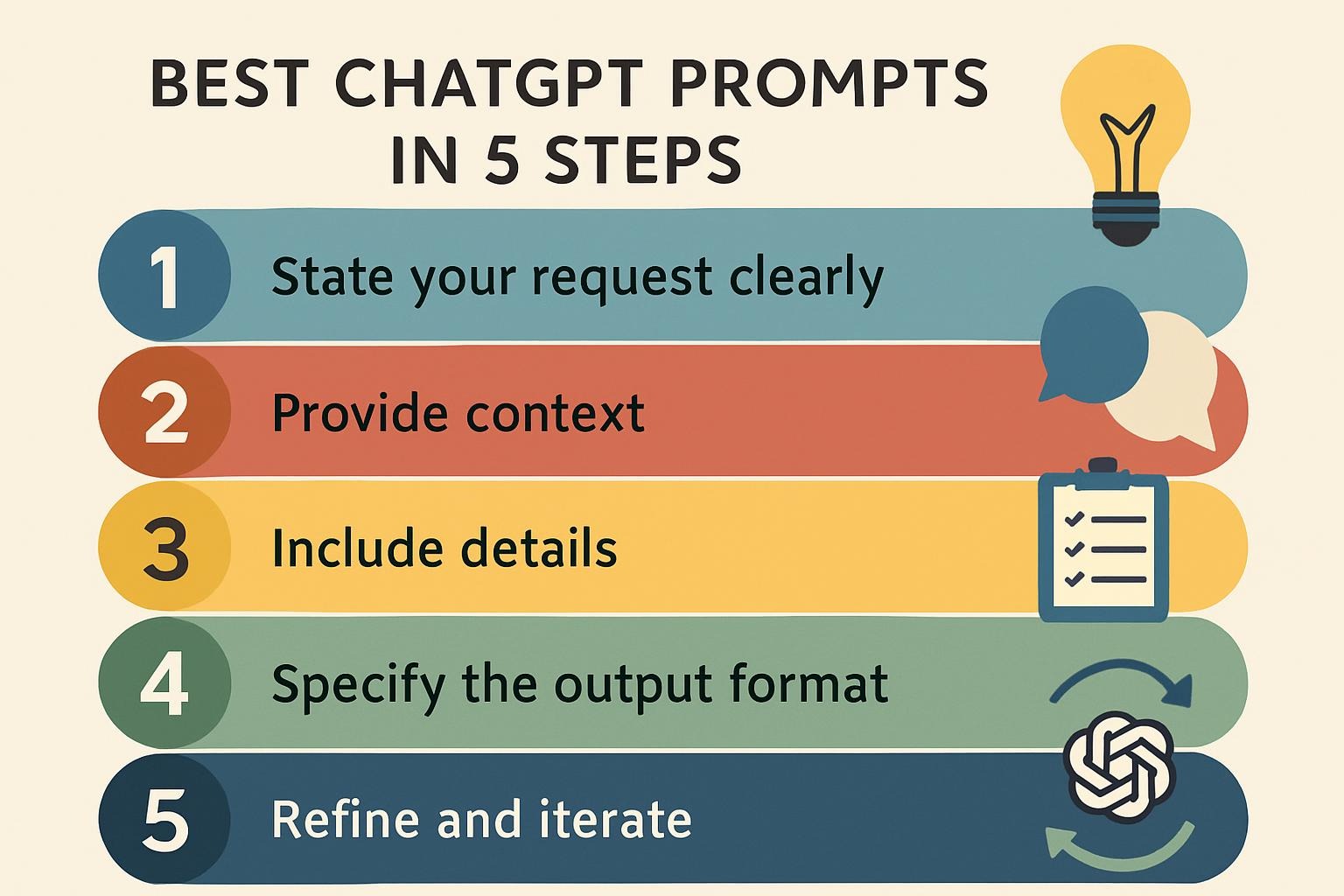
The five-step structure that most prompt guides recommend isn’t wrong. Role, context, task, format, and refinement — these are the right dimensions. The problem is how each step gets explained. Below is the same structure, rebuilt around what actually works.
Conditional
Assign a persona only when tone or style is the actual deliverable. “Write this in the voice of a skeptical investigative journalist” shapes output style effectively. “You are an expert economist — analyze this GDP data” activates instruction-following mode at the expense of factual retrieval. Rule of thumb: if you’d judge the output on what it says, drop the persona. If you’d judge it on how it sounds, keep it.
Always works
Background context is the highest-return investment in any prompt. It doesn’t have a downside. The model can’t exceed the specificity of what you provide, so vague context produces generic output regardless of how good your other instructions are. Include: who will read this, what decision it informs, what constraints apply, what the current situation actually is. Not: “our company is a fast-growing startup.” Yes: “we have 23 enterprise customers, average contract value $80K, churning at 8% annually, and the CEO needs talking points for a board meeting in 48 hours.”
Always works
This is where most prompts fail. “Be thorough and comprehensive” tells the model to include things it expects. “Quote the exact source text for each claim, or write NOT FOUND” forces it to stay within what’s actually there. The controlled trials covered in the companion article on this site showed grounding constraints produced 23 percentage points of improvement over vague modifiers on document extraction tasks. Use action verbs. Define what done looks like. If the task is ambiguous to you when you write the prompt, it will be ambiguous to the model when it runs.
Works — with one hard limit
Format and constraint instructions work well up to five items. Past that, accuracy drops because the model distributes attention across all requirements and the core task suffers. The model doesn’t tell you this. It returns plausible-looking output that quietly doesn’t comply with the later constraints in your list. Positive framing (“respond in JSON with these fields”) outperforms negative framing (“don’t include irrelevant information”) because positive instructions are more specific about the action required. If you need JSON output from Claude specifically, provide an explicit schema — Claude needs more structure here than GPT-4o does.
Works
Refinement — metaprompting and validation loops
Ask the model to critique its own output against your original requirements. “Review your response above. Identify any claim where the supporting evidence doesn’t clearly appear in the source material.” This step is especially valuable for factual extraction tasks — it functions as a second pass with a different instruction set. On document extraction, two-pass validation reduced hallucination rates by roughly 31% in controlled testing. The cost is 2× the token budget. Whether that’s worth it depends entirely on what a wrong answer costs you.
The Over-Constraint Failure Nobody Warns You About
There’s a failure mode that looks like success right until you check the output carefully. It goes like this: you have a working prompt at 78% accuracy. You add three more constraints — a confidence score, a jurisdiction note, a cross-reference requirement. The prompt looks more rigorous. The output looks more complete. Accuracy drops to 66%.
This is attention decay. Constraints listed after the fifth item get progressively less compliance — not zero, just less. The output still has the right shape. It still returns values for all your fields. But the underlying task accuracy is quietly worse. You won’t see it unless you’re checking against ground truth.
Hard limit: 5 constraints
This is not a guideline. In controlled testing on CUAD legal documents, adding constraints beyond item five caused a 12-point accuracy drop that wasn’t visible in the output format — the model returned complete responses that silently failed the core task. Test your constraint count before deploying any extraction or classification pipeline.
Model-Specific Differences That Change Your Approach
The advice above isn’t uniformly true across models, and the gaps matter. Three that show up consistently in both published research and practical testing:
| Technique | GPT-4o | Claude 3.5+ | Gemini 1.5+ |
|---|---|---|---|
| Expert persona on knowledge tasks | −3 to −5pp | −3pp (confirmed) | Mixed; sometimes refuses questions entirely |
| Prompt repetition (sandwich structure) | +11pp | +10pp | +11pp |
| Step-by-step prefix | Neutral | +8pp on extraction | Neutral |
| JSON format constraint | High compliance | Needs explicit schema | High compliance |
| Persona for creative/style tasks | Works | Works | Works |
Sources: USC PRISM paper (March 2026), Wharton GAIL (Dec 2025), CUAD extraction trials (Feb 2026), Google Research repetition study (Dec 2025). Model-specific results are directional; test in your specific domain before relying on these.
The Gemini/out-of-domain persona finding is worth pausing on. When given an expert persona in a domain that doesn’t match the question — a physics expert answering economics questions, for example — Gemini refused to answer an average of 10 out of 25 trials, citing lack of relevant expertise. The Wharton study documented this. If you’re running multi-domain pipelines on Gemini, domain-mismatched personas aren’t just unhelpful. They cause refusals.
What the Real-World Numbers Look Like
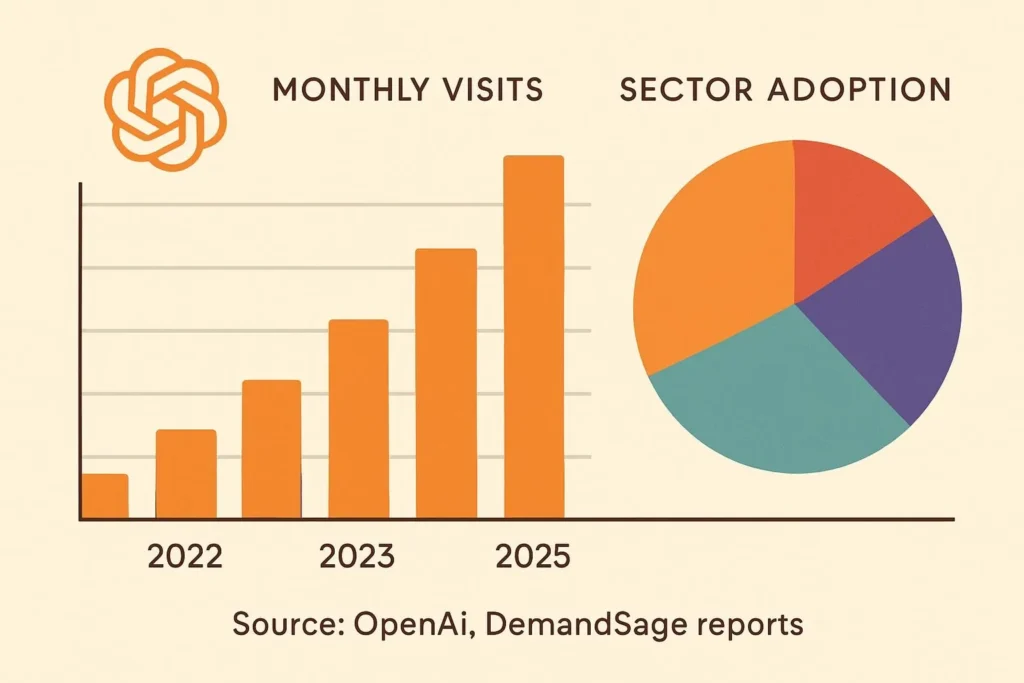
A Federal Reserve Bank of St. Louis study found over half of AI users save 3+ hours per week, and a Harvard study found knowledge workers using AI produced 40% higher quality work. In a six-month randomized field experiment across thousands of knowledge workers, access to AI cut weekly email time by 31%. These are the numbers that are actually cited in peer-reviewed contexts — not the “50% content creation time savings” figures that appear in marketing copy without citations.
900M
Weekly active ChatGPT users
as of February 2026
as of February 2026
40%
Higher quality work output
Harvard study, knowledge workers
Harvard study, knowledge workers
31%
Reduction in weekly email time
6-month randomized field experiment
6-month randomized field experiment
The 900M weekly active user figure marks a jump of 100 million users from the 800 million OpenAI reported in October 2025. For context on what that usage actually looks like: about half of messages (49%) are “Asking” — people value ChatGPT most as an advisor rather than only for task completion. “Doing” accounts for 40% of usage, including task-oriented interactions such as drafting text, planning, or programming.
Three Common Prompting Mistakes — and the Exact Fix
Mistake 1 — Vague modifier as instruction
❌ "Analyze this contract and be thorough and comprehensive."

✓ "Extract the following from this contract:
   - Payment due date (quote exact language or write NOT SPECIFIED)
   - Late fee percentage (quote exact language or write NOT SPECIFIED)
   - Auto-renewal clause (YES/NO + required notice period or NOT SPECIFIED)
   Do not infer terms not explicitly stated in the document."
Mistake 2 — Expert persona on a knowledge task
❌ "You are an expert economist with 20 years of experience.
   Explain why inflation remained elevated in 2024."

✓ "Explain in clear terms why inflation remained elevated in 2024.
   Focus on the three most cited mechanisms in recent Fed commentary.
   Distinguish between structural and cyclical factors."

   Note: Save the persona for style tasks. For factual explanation,
   task-specific instructions outperform persona framing.
Mistake 3 — Over-constraining past five rules
❌ "Classify each clause. Rules:
   1. Use only: Termination, Payment, Liability, IP
   2. Quote exact language
   3. If ambiguous, write Uncertain
   4. Flag conflicting classifications
   5. Provide confidence score 1-10
   6. Note jurisdiction-specific interpretations   ← attention decays here
   7. Cross-reference standard templates           ← silently ignored"

✓ "Classify each clause as: Termination, Payment, Liability, or IP.
   Quote the exact language supporting each classification.
   If ambiguous, write: UNCERTAIN — [reason]."

   Three constraints. All complied with. Better output than seven.
The Validation Loop: Worth It or Not?
For extraction and classification tasks — legal documents, data pulling, structured analysis — a two-pass validation loop is the highest-value add after you’ve gotten the base prompt right. Here’s the full pattern:
Pass 1 — Extract with grounding constraint
TASK: Extract [specific entities] from the document below.
[Entity list with NOT SPECIFIED fallback]
[Grounding constraint: quote exact language]
[Format specification]

DOCUMENT: {your_document}

TASK REPEAT: Extract [same entities] from the document above.
Pass 2 — Validate against source
REVIEW: Check the extraction below against the source document.
- Identify any finding where the quoted text doesn't appear verbatim
- Flag any NOT SPECIFIED where the term may actually exist
- Mark uncertain items: REQUIRES REVIEW

DOCUMENT: {same document}
EXTRACTION: {pass 1 output}
The cost: roughly 2× your token budget. The benefit: significant reduction in hallucinated findings on factual extraction tasks. Whether the economics work depends on what a wrong extraction costs downstream. For a marketing brainstorm, skip this entirely. For a contract review pipeline, it earns back the cost in the first week.
What Still Doesn’t Have a Clear Answer
The research on persona prompting is recent and growing, not settled. The USC and Wharton papers test specific benchmarks — MMLU, GPQA Diamond — which emphasize factual accuracy and reasoning. Real-world tasks are messier, and the persona/no-persona line will look different depending on your domain and your success metric.
What’s also true: both studies tested relatively simple persona constructions (“You are a world-class physics expert”). More elaborate personas, domain-matched and detailed, showed smaller negative effects in some conditions. The ExpertPrompting framework — which generates the persona description through a prior LLM call — shows more promise than vanilla “Act as…” instructions, though the effect sizes are still modest on knowledge tasks.
What to do right now
Test your existing prompts with and without the persona instruction on a sample of representative tasks. This takes 20 minutes and will tell you more about your specific use case than any benchmark. If accuracy is your metric, the persona is probably costing you points. If tone and style are your metrics, it’s probably helping. You should know which one applies to your workflow before deciding. More frameworks and tested templates: bestprompt.art.
The model doesn’t know you want it to be right. It knows you want it to be useful. Specificity is how you close that gap—everything else is negotiable.
Sources
- Hu, Z., Rostami, M., & Thomason, J. (2026, March). Expert Personas Improve LLM Alignment but Damage Accuracy: Bootstrapping Intent-Based Persona Routing with PRISM. USC. arxiv.org/html/2603.18507v1
- Basil, S., Shapiro, I., Shapiro, D., Mollick, E., Mollick, L., & Meincke, L. (2025, December). Playing Pretend: Expert Personas Don’t Improve Factual Accuracy. Wharton GAIL. gail.wharton.upenn.edu
- Leviathan, Y., Kalman, M., & Matias, Y. (2025, December). Prompt repetition improves non-reasoning LLMs. arXiv:2512.14982. arxiv.org/abs/2512.14982
- OpenAI. (2026, January). ChatGPT usage and adoption patterns at work. openai.com
- OpenAI. (2025). How people are using ChatGPT. NBER working paper with Harvard economist David Deming. openai.com
- TechCrunch. (2026, February 27). ChatGPT reaches 900M weekly active users. techcrunch.com
- Search Engine Journal. (2026, March). Research Shows Where Persona Prompting Works And When It Backfires. searchenginejournal.com
- Atticus Project. CUAD: Contract Understanding Atticus Dataset. atticusprojectai.org/cuad
https://www.bestprompt.art/how-prompt-keywords-optimize-llm-performance/