Midjourney AI Tutorial: Mastering AI Art Generation in 2025

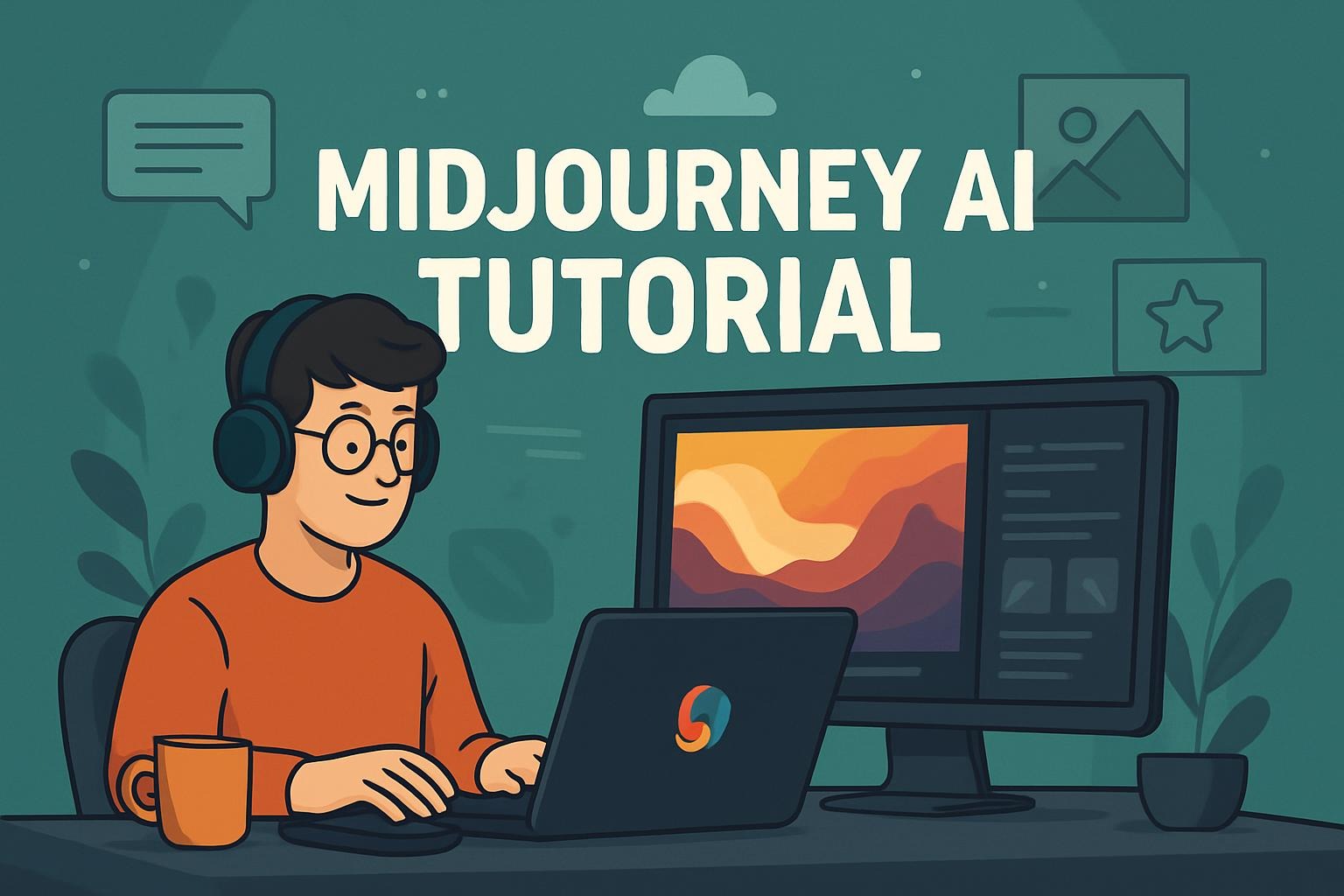
Complete Guide · Updated April 2026
Real prompts, verified data, V8.1 pricing truth — including the part about 4× GPU cost that nobody else is explaining clearly.
Just Launched
V8.1 Alpha dropped April 14, 2026 — available at alpha.midjourney.com. It’s 3× faster than V8.0 and defaults to HD mode. V7 remains the main site default for now. Full breakdown in Section 5.
⚡ Skip to What You Need
- New to Midjourney? Start at Section 1 — Getting Started. First image in 5 minutes.
- Already using V7? Jump to Section 3 — Advanced V7 Parameters for Draft Mode + Omni Reference.
- Deciding whether to try V8.1? Go straight to Section 5 — it’s fast but has real cost trade-offs.
- V7 vs V8 at a glance: See the comparison table. V7 is still better for loose concept art. V8.1 is better for precise, detailed prompts.
My first Midjourney image was a disaster. Prompt: “a futuristic city.” I got something that looked like a generic screensaver from 2012. Then I watched someone type thirty words with specific lighting, a camera focal length, a color palette, and a style reference — and the output looked like a cover shoot.
The gap isn’t the model. It’s prompting skill. And in 2026 — with V7 running as the main site default and the new V8.1 Alpha now live — there’s a lot more to learn and a lot more misinformation to cut through. This guide skips the preamble and gets to what actually works.
Midjourney moved off Discord-only and is now primarily a web app. You still can use Discord, but the web interface at midjourney.com is cleaner and faster for most people. Here’s the honest setup in five minutes.
-
Sign up at midjourney.com
Use Google or Discord SSO. No separate account creation — just link one you already have. Email verification takes about 30 seconds.
-
Choose a plan
Basic ($10/mo) gives you 200 fast image generations. Standard ($30/mo) gives you 15 GPU hours per month — better if you generate regularly. Pro ($60/mo) adds Stealth Mode for private generations. Don’t overthink this: start with Basic, upgrade if you hit the limit.
-
Type your first prompt in the imagine bar
Click the imagine bar at the top and type a description. Hit enter. Four variations appear in roughly 60 seconds.
-
Upscale or vary what you like
Click U1–U4 to upscale any of the four images to higher resolution. Click V1–V4 to generate four variations of that image. Download the PNG from the upscaled view.
-
Unlock personalization (takes 5 minutes, worth it)
Go to Settings → Personalization. Rate about 200 image pairs. Midjourney builds a profile of your aesthetic preferences and quietly applies it to every future generation. Most people skip this. Most people should do it first.
V7 launched April 3, 2025 and became the default model on June 17, 2025. Independent testing found it delivers a 40% reduction in anatomical errors vs V6.1 and a 35% improvement in prompt understanding. The upshot: simpler prompts now work better than they used to. You don’t need to write an essay to get a good image.
The core prompt formula that actually works:
Prompt Structure ✓ V7 Tested
Subject + Medium + Style + Lighting + Mood + Parameters

"portrait of a jazz musician, 1950s Harlem, dramatic chiaroscuro lighting,
 rich film grain, Saul Leiter color palette, warm amber tones"
 --v 7 --ar 4:5 --stylize 600

vs. what most beginners type:
"jazz musician portrait"
// This works now in V7 — you'll get something decent. But you won't get *yours*.
| Parameter | What It Does | Range | Best For |
|---|---|---|---|
| –stylize (–s) | How much artistic interpretation vs. literal prompt | 0 – 1000 | Low (0–250): product shots, precise work. High (600+): editorial, concept art |
| –chaos (–c) | Variation between the 4 output images | 0 – 100 | 0 for consistency, 50+ when exploring. Start low, go up if outputs are too similar |
| –ar | Aspect ratio | Any ratio | 16:9 for landscapes, 9:16 for Instagram Stories, 1:1 for social media |
| –draft | Draft Mode: 10× faster, half the cost | On/off | Rapid iteration and concept exploration — then enhance the winner |
| –weird (–w) | Adds surrealism and unexpected elements | 0 – 3000 | Conceptual art, album covers, weird brand work. Useless for realistic outputs |
| –no | Negative prompting — exclude elements | Any description | –no text, –no watermark, –no hands (when the model keeps drawing bad ones) |
Source: Midjourney official docs; Draft Mode from V7 Alpha launch notes
Draft Mode generates images at 10× speed at half the credit cost. It’s enabled by clicking “Draft Mode” in the interface or adding --draft to your prompt. On web, Draft Mode activates a conversational interface — you can say “swap the cat for an owl” or “make it nighttime” in natural language and Midjourney adjusts the prompt and generates automatically. There’s also a voice input button.
The practical workflow: draft fast to find the composition you like, then hit “Enhance” on the best result to re-render at full quality. You might spend 5 draft credits finding the right angle, then 1 credit on the final version. That’s how professionals use it.
Omni Reference, added to V7 in June 2025, lets you anchor any character, object, or style to a reference image. Add --oref [image URL] to your prompt. The model keeps the referenced subject consistent across generations.
⚠️ Real Limitation — Don’t Skip This
Character consistency works well for 3–5 iterations. But independent testing found that across 20+ images for a comic or storyboard, features gradually drift. If you need perfect character consistency across a full project, Midjourney is still not the right tool — you’ll want Stable Diffusion-based character models or traditional illustration. Omni Reference is good. It’s not a silver bullet.
Omni Reference + Style Reference — Combined Usage ✓ V7
Character reference + style reference + scene description

"a woman reading in a coffee shop, morning light through large windows"
 --oref https://your-character-image.jpg
 --sref https://your-style-reference.jpg
 --v 7 --ar 3:4 --stylize 400

--oref weight: --ow 50-100 (higher = more faithful to character)
--sref weight: --ssw 100-300 (higher = stronger style transfer)
These are the ones I see constantly — and I made most of them myself early on.
✗ Mistake 1: Too generic
“a beautiful landscape at sunset”
✓ Fix: Specific and layered
“Scottish Highlands at golden hour, mist in the valley, telephoto compression, muted greens and golds, Paul Strand photography style –ar 16:9 –s 700”
✗ Mistake 2: Ignoring Draft Mode
Running full-quality generations to explore compositions. You’ll burn credits fast and get impatient.
✓ Fix: Draft → Enhance workflow
Draft Mode for 5–10 compositions at half cost, then Enhance the 1–2 you actually like. Dramatically cheaper.
✗ Mistake 3: –stylize too low for art
Default stylize is 100. Most creative work benefits from 400–800. Low stylize produces literal, flat interpretations.
✓ Fix: Match stylize to intent
Product photos: –s 0–200. Editorial / brand: –s 400–600. Concept art: –s 700–1000. Experiment once with the same prompt at 0, 500, and 1000 to see the range.
✗ Mistake 4: Prompting V8 like V7
V8 is literal. V7 added creative interpretation automatically. V7 prompts on V8 often produce flat results.
✓ Fix: More detail in V8 prompts
V8 rewards specificity. Describe lighting, atmosphere, composition explicitly. Use –stylize 400–1000 and your personalization profile to compensate.
✗ Mistake 5: Skipping personalization
Generating without unlocking personalization is like using a camera on auto mode forever. You get decent results, but never your aesthetic.
✓ Fix: 5 minutes now, better results forever
Settings → Personalization. Rate ~200 images. Your personalization profile carries over to V8 — so doing it now has compounding value.
I’ll be honest: the V8 rollout split the community. When V8.0 launched March 17, 2026, the speed was genuinely impressive — Midjourney’s own announcement confirmed standard jobs generating roughly 5× faster than before, under 10 seconds for most images. But the creative community on r/midjourney (680,000+ members) had complaints: V8 executed prompts too literally, losing the creative “happy accidents” that made V7’s loose prompting so generative.
V8.1, which launched April 14, 2026, is Midjourney’s direct response. It restores a more familiar V7-inspired aesthetic while keeping the speed gains and reducing the premium feature cost.
📋 V8.1 Alpha Key Changes vs V8.0
Speed: Standard resolution is now 50% faster than V8.0 and 25% cheaper. HD mode is 3× faster and 3× cheaper than V8 Alpha’s 4× cost — now targets roughly 1.5–2.5× GPU cost instead of 4×.
Quality: Default HD images at 2K resolution — no extra –hd flag needed. Image prompts are back (were missing in V8.0). New Prompt Shortener and Describe features added.
Aesthetics: “Consistent and familiar aesthetic in the spirit of V7.” Moodboards and srefs described as “super stable.” The team specifically addressed the “flat” criticism of V8.0.
The Honest Pricing Reality
Standard V8 generations don’t cost more than your existing plan. But if you use the features that make V8 worth using — HD mode, –q 4 quality, style references, moodboards — you’re paying significantly more GPU time. Here’s the real math:
| Feature | V8.0 GPU Cost | V8.1 GPU Cost | Available on Relax Mode? |
|---|---|---|---|
| Standard generation | 1× (faster than V7) | 1× (50% faster than V8.0) | In development |
| –hd (native 2K) | 4× GPU time | ~1.5–2.5× GPU time | No |
| –q 4 (quality mode) | 4× GPU time | In development | No |
| –sref (style reference) | 4× GPU time | Improved, cheaper | No |
| Moodboards | 4× GPU time | “Super stable,” costs reduced | No |
Sources: V8 Alpha launch notes; V8.1 release notes; ThePlanetTools analysis
⚠️ No API Yet — Critical for Developers
As of April 2026, Midjourney still offers no public API. All generation happens through the web interface and Discord. If you need programmatic access for product pipelines or automated workflows, Recraft, FLUX, and Stable Diffusion all provide API access. This is Midjourney’s biggest competitive vulnerability and an honest limitation this guide won’t paper over.
6. V7 vs V8.1 — Which Should You Actually Use?
| Dimension | V7 (Current Default) | V8.1 Alpha | Winner |
|---|---|---|---|
| Speed | Baseline; Draft Mode = 10× faster | Standard = ~7× V7 base speed | V8.1 |
| Default resolution | Standard (upscale manually) | 2K HD by default in V8.1 | V8.1 |
| Loose / exploratory prompting | Excellent — adds creative interpretation | Weaker — more literal execution | V7 |
| Precise, detailed prompts | Good (35% better vs V6.1) | Better prompt adherence | V8.1 |
| Text rendering in images | Still weak (15% improvement on V6) | Dramatically improved with quoted text | V8.1 |
| Moodboards / Style References | Good | “Super stable,” more precise | V8.1 |
| Standard feature cost | Normal GPU hours | Same (or cheaper per image due to speed) | Tie |
| Premium feature cost | Normal GPU hours | ~1.5–4× depending on feature | V7 |
| Stability | Mature, fully released | Alpha — things change without notice | V7 |
| Availability | midjourney.com (default) | alpha.midjourney.com only | V7 |
Sources: Midjourney version docs; AI Tool Analysis 30-day test; V8.1 release notes
✓ Recommendation
For most creators: Stay on V7 for your main workflow. Use V8.1 Alpha at alpha.midjourney.com to experiment, especially if text rendering or precise prompt adherence matters for your project. Run V8.1 for exploration; keep V7 for delivery.
For heavy users on Standard/Pro plans: Be deliberate about premium V8 features — the GPU cost adds up fast if you’re running –hd or –sref on every image. Budget your fast hours accordingly until pricing stabilizes.
FAQ
Is Midjourney free in 2026?
No. As of 2025, the free trial was removed. Plans start at $10/month for the Basic tier (200 fast image generations). Occasional limited trials appear, but they’re not reliable or permanent. If cost is the main concern, Stable Diffusion and Adobe Firefly both offer free tiers.
What’s the difference between V7 and V8.1 for beginners?
V7 is more forgiving. Short, casual prompts still produce interesting results because V7 adds its own creative interpretation. V8.1 follows your prompt more literally — which is great if you know exactly what you want, but can feel flat if you’re exploring loosely. Beginners tend to prefer V7’s “surprise me” quality. Power users tend to move to V8.1 once they know how to specify what they want precisely.
How do I use text in AI-generated images in V8?
V8 introduced a key feature: wrapping text in quotation marks inside your prompt tells the model to render it as readable text in the image. Example: "a poster with the headline 'Open Until Midnight'" — the quoted text is what renders as in-image typography. This is a night-and-day improvement over V7 and one of the best reasons to try V8.1.
Can I use Midjourney commercially?
Yes on any paid plan, with one exception: businesses generating over $1M annual gross revenue need a Pro or Mega plan for commercial use. All paid plans include commercial rights for everything else. Don’t use generated images as training data for other AI models — that’s explicitly prohibited in the Terms of Service.
Is there a Midjourney API?
No public API exists as of April 2026. There are unofficial workarounds via Discord bots and third-party wrappers, but they violate Terms of Service and are unreliable. If you need programmatic access to a high-quality image generation model, your options are Stable Diffusion via API, Recraft, or FLUX. Midjourney’s closed ecosystem is its most significant limitation for developers and teams running automated pipelines.
How does Draft Mode work and when should I use it?
Draft Mode generates images at 10× the speed at half the credit cost. Add --draft to any V7 prompt or enable it in Settings. On web, Draft Mode activates a conversational interface where you can iterate in natural language without retyping prompts. Use it whenever you’re exploring compositions, testing concept directions, or figuring out what a prompt actually produces. Switch to full quality only when you’ve found something worth polishing.
Sources & Further Reading
- Midjourney Official — Version History and Feature Docs
- Midjourney — V8 Alpha Launch Notes (March 17, 2026)
- Midjourney — V8.1 Alpha Release Notes (April 14, 2026)
- AI Tool Analysis — 30-Day V7 Review with Independent Benchmarks
- ThePlanetTools — V8 Pricing and GPU Cost Analysis
- Architecture Breakdown: Why Designers Split on V8.1
- bestprompt.art — More AI Tool Guides and Prompt Resources
https://www.bestprompt.art/10-pro-midjourney-tips/
https://www.bestprompt.art/blog-2/