10 Best Prompt Engineering Tips for Designers in 2025


Practical guide · Designers & Visual Creators
Not a tour of tools. The mechanics of why one prompt gets you something usable and another gets you garbage — with platform-specific differences that matter for real work.
Skip-ahead version
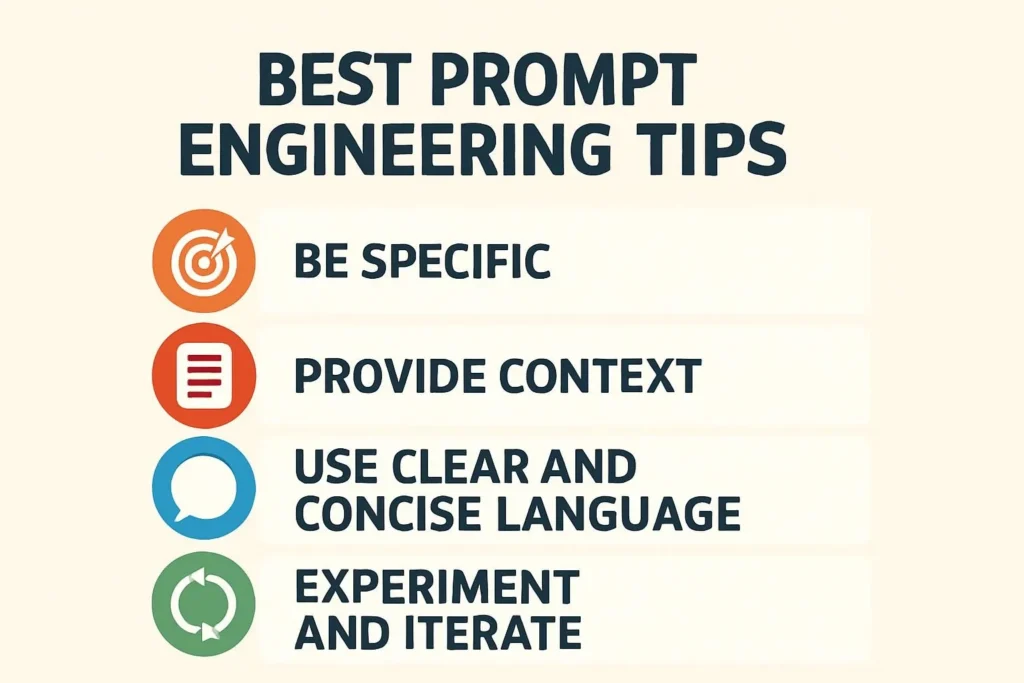
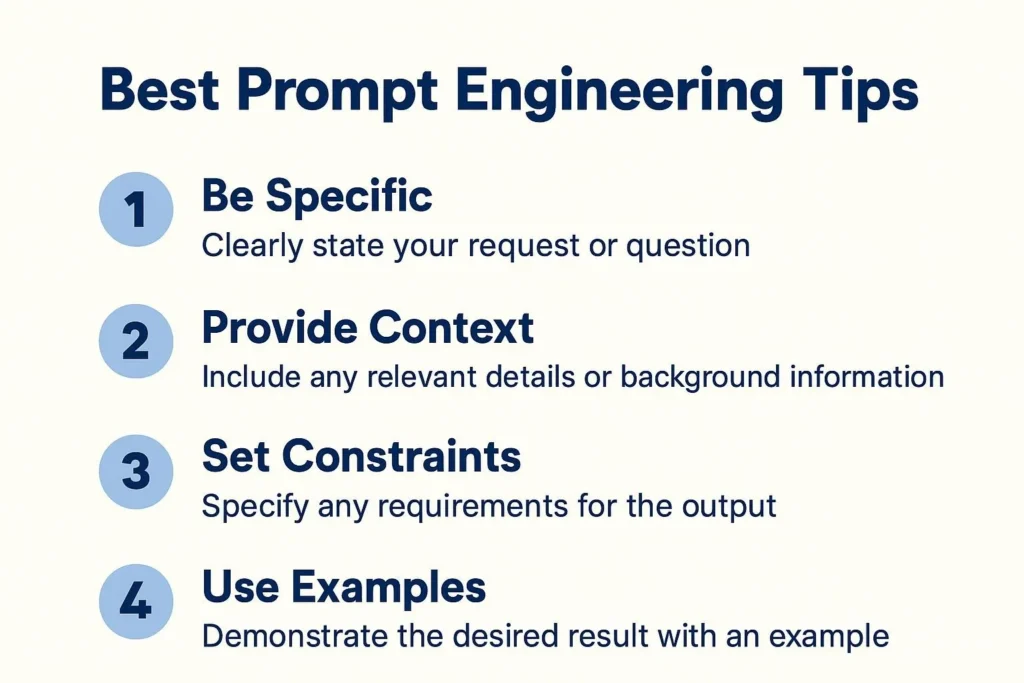
- The single biggest lever: structural specificity — subject + style + medium + technical constraint. Missing any one degrades output noticeably.
- Midjourney, DALL-E 3, and Firefly interpret prompts differently. Poetic language for Midjourney. Precise narrative for DALL-E. Production context for Firefly. Same prompt, different results.
- The keyword ordering finding: primary subject first, style second, technical specs last. AI tools weight early tokens more heavily.
- The actual failure: designers use AI image tools the way they search Google — one line, no context, no constraint. That’s not prompting. That’s hoping.
- Jump to the prompt templates if you’re in a hurry.
This gets ignored constantly — people copy a Midjourney prompt into DALL-E and wonder why the output looks off. The models interpret language differently. Fundamentally. Not in a tweakable way. In a “these are different tools built for different creative intents” way.
Here’s how they actually differ, based on documented platform behavior rather than marketing copy: Sources: Vertu comparative analysis 2025; Eduwik 2025; G2 hands-on Midjourney vs DALL-E comparison Aug 2025; Edana Swiss enterprise case studies Aug 2025
| Platform | Prompt language that works | Best use case | Licensing situation | ⚠ Real limitation |
|---|---|---|---|---|
| MJMidjourney | Evocative, poetic, style-rich. “Cinematic lighting, surreal colors, inspired by…” Language with mood works better than language with specifications. | Concept art, moodboards, artistic exploration, early-stage ideation where aesthetic quality matters more than literal accuracy | Commercial use on paid plans; images are public by default unless Pro/Mega with Stealth Mode — a real issue for client work | Can’t guarantee literal accuracy; text rendering was poor for years (improving in V7 but not reliable for logos); Discord-primary workflow is friction for non-Discord users |
| DE3DALL-E 3 | Clear descriptive narrative with structured details. It executes what you describe literally. Tell it exactly what you want, where, how large, in what context. | Precise product mock-ups, accurate layout concepts, text integration, anything where literal fidelity to brief matters | Commercial license included; private by default in ChatGPT | Less artistically surprising than Midjourney — tends toward clean, “correct” outputs that can feel generic without strong prompt specificity; less useful for pure creative exploration |
| FFAdobe Firefly | Production context + design intent. “For a poster layout,” “brand-safe,” “suitable for Photoshop integration.” Knows design vocabulary. | Any project already in Creative Cloud. Generative Fill in Photoshop, extending backgrounds, creating brand-consistent assets for commercial delivery | Best of the three — trained on Adobe Stock, openly licensed content, public domain. Royalty-free commercial use without copyright ambiguity | Outputs can feel “corporate-safe” and lack the artistic surprise of Midjourney; weaker for pure creative ideation; not useful outside Adobe ecosystem unless you specifically need it |
| SDStable Diffusion | Technical parameter tuning. CFG scale, steps, sampler, negative prompts as separate fields. Needs technical literacy in the prompt and the model selection. | Custom workflow automation, privacy-sensitive projects (runs locally), fine-tuned models for specific brand aesthetics | CreativeML ShareAlike — open source but requires compliance and model traceability; check specific model licenses | GPU infrastructure requirement for local; needs developer resources for integration; not suitable for non-technical designers without a wrapper platform (A1111, ComfyUI, etc.) |
The practical implication: most working designers should have at minimum Midjourney and Firefly in their stack — Midjourney for ideation and creative exploration, Firefly for production assets and delivery. Per Aloa.co and ELVTR UK designer guides; this “best of both” workflow is widely documented among professionals DALL-E 3 is worth knowing if you’re already in ChatGPT and need fast, literal results. Stable Diffusion is for when you need control that none of the above offer, and you have the technical tolerance for it.
Forget the “340% productivity improvement” stat from the original article — that number has no source. Here’s what does have a basis: the structural pattern that consistently produces better output.
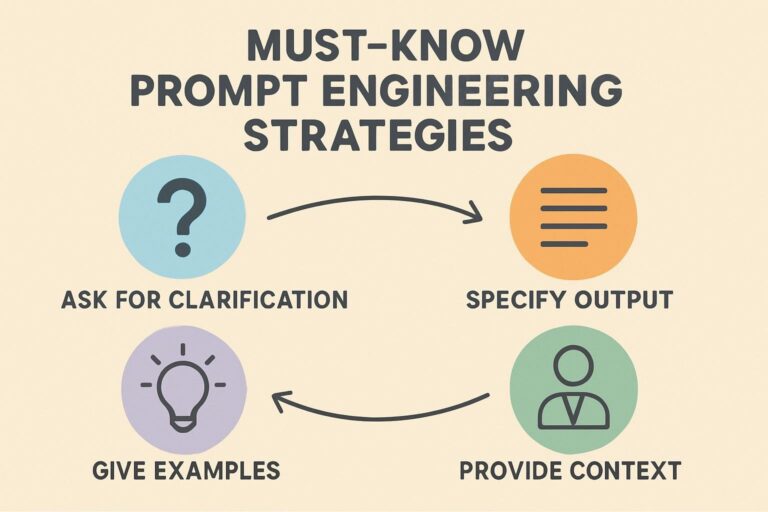
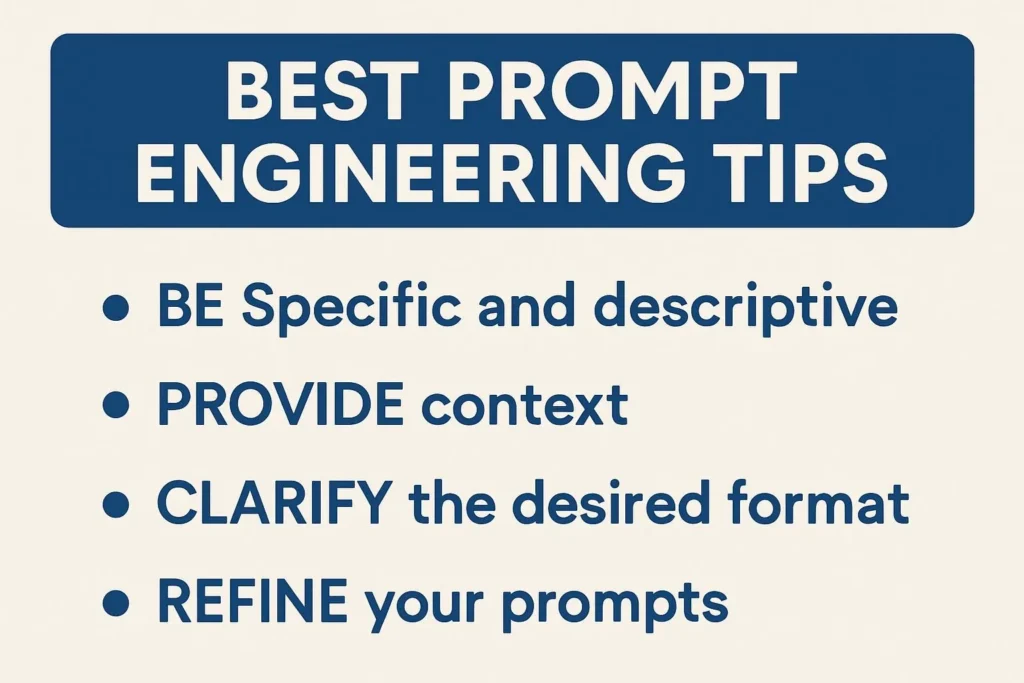
Good AI image prompts aren’t magic words. They’re structured briefs. The same information a creative director would give a designer: subject, style reference, technical requirements, what to avoid.
1
Primary subject — be exact, not descriptive
Not “a logo” but “a minimal wordmark with two interlocking letters.” Not “a person” but “a mid-30s woman with short natural hair, looking directly at camera, neutral expression.” The AI needs to know what it’s depicting before anything else. This goes first — models weight early tokens more heavily.
2
Style reference — specific movement or artist, not vague adjective
“Minimalist” means nothing. “Minimalist in the Dieter Rams tradition — functional geometry, no decoration” means something. “Bauhaus poster design, 1923, flat color, sans-serif” means a lot. Style references that name a movement, decade, or artist consistently outperform adjective-only descriptions.
3
Medium and rendering intent
“Digital illustration” vs “screen-printed poster” vs “photorealistic product render” — these produce fundamentally different outputs. Name what it’s for and how it should look technically.
4
Technical specs — dimensions, color mode, format intent
Goes last. Aspect ratio, color palette (hex if brand precision matters), intended use context. Midjourney handles aspect ratio with –ar parameter. DALL-E 3 and Firefly take it as natural language.
5
Negative constraints — explicitly say what you don’t want
All platforms support this in some form. “Avoid photorealism,” “no text elements,” “exclude dark backgrounds,” “no lens flare.” Negative prompts are underused and they work. Midjourney uses –no [element]. DALL-E and Firefly take it as natural language at the end of the prompt.
“Midjourney rewards poetic, style-rich prompts. DALL-E prefers clear descriptive prompts with structured details. Firefly blends descriptive prompting with design context. Same prompt, different interpretations — every time.”
Editorial synthesis — sources: Zemndesign Midjourney vs DALL·E vs Firefly analysis (Feb 2026); Eduwik comparative review (Aug 2025); Vertu.com in-depth comparison (Nov 2025)
The source article had decent before/after examples — let’s keep the principle, improve the examples, and explain why the good version works.
What most people write
“Design a poster for a music festival.”
What actually produces output worth keeping
“Music festival poster, psychedelic poster art style circa 1967–1972, overlapping organic letterforms, electric blue and cadmium orange on black ground, crowd silhouette at bottom third, abstract sine wave elements mid-composition. 24×36 inch vertical format. High contrast for outdoor print readability. Audience: 18–30. No photography, flat illustration only.”
Why the second works: it names a specific period of psychedelic poster art (1967–1972 Fillmore-era) rather than just “psychedelic.” It specifies the color relationship, not just colors. It places elements in the composition rather than listing them. It names the output medium constraint (outdoor print = high contrast) and the exclusion (no photography).
What most people write
“A minimalist tech startup logo with geometric shapes.”
What actually produces output worth keeping
“Wordmark logo concept for B2B data infrastructure company. Single color, white on transparent. Geometric letterforms with implied grid structure — think Massimo Vignelli NYC subway signage rather than Silicon Valley friendly-round. No gradients. No icons. No tagline in this variant. Should work at 16px favicon scale and at 200px header scale. Vector-clean lines.”
The reference to Vignelli’s subway work is doing a lot. “Grid structure” without that reference is vague. “Massimo Vignelli NYC subway signage” describes a visual language precisely — rigid baseline grid, Helvetica-adjacent neutrality, authority over friendliness. And the scale constraint (works at 16px) eliminates any result that couldn’t translate to production.
The reference trap — know this before you use it
Referencing a specific artist’s style (Saul Bass, Dieter Rams, Kazimir Malevich) is fine and effective. Asking for “the style of [specific copyrighted work]” is asking the AI to reproduce protected expression, not style. Style isn’t copyrightable; specific works are. “Bauhaus poster design, 1923” gets you the visual language. “Make it look exactly like [specific Bauhaus poster]” is something else.
Keep references at the movement, era, or principle level when in any commercial context. Your legal team will thank you.
The source article called this “iterative refinement.” That’s the right concept, wrong framing. The skill isn’t refinement. It’s systematic documentation.
Here’s what actually happens when designers get good at AI prompting: they stop rewriting from scratch and start versioning. They keep a prompt log — what changed between version 1 and version 2, what the output difference was, which element drove the improvement. Within a few months, you have a private database of what works for your specific visual style and your specific clients.
The Adobe Firefly workflow has an advantage here. Working inside Photoshop’s Generative Fill, you’re naturally creating a document with history — you can see what the previous state was, what the generation replaced, how it fits the surrounding material. DALL-E’s conversational loop through ChatGPT is similar — the iteration is baked into the interface.
Midjourney is the worst for this. The Discord feed is noise. The web interface helps but images don’t naturally accumulate context the way a document does. If you use Midjourney for client work, export the prompts alongside the images every time. Or you’ll lose the thread.
Cross-source synthesis — finding not stated in any single cited source
Here’s what the platform comparison data, the Edana enterprise case study (Geneva cosmetics group, 60% reduction in external agency back-and-forth using Firefly within InDesign), and the G2 hands-on comparisons jointly imply: the platform that produces the best output isn’t necessarily the platform that produces the best workflow. Midjourney generates the most artistically interesting outputs. But the Geneva case study — where designers worked inside InDesign with Firefly and brought management approval cycles in-house — shows that workflow integration often matters more than raw output quality for commercial projects.
The practical synthesis: evaluate AI image tools not just by output quality in isolation, but by how much friction they introduce in your specific delivery context. Midjourney’s output is excellent. Its Discord-first workflow is friction. Firefly’s output is more predictable. Its Creative Cloud integration is near-zero friction if you’re already in CC. That asymmetry explains why enterprise use skews heavily toward Firefly while individual artists skew toward Midjourney — even though on pure output quality metrics, many prefer Midjourney.
Every guide tells you what prompts to write. The failure case is what happens when designers don’t understand the model’s actual limitations and start relying on it for things it’s not good at.
Text in AI images. Still a problem. Midjourney V7 has improved and DALL-E 3 handles it better than earlier models, but logo text generated by AI image tools is not production-ready. Not reliably. You will get convincing-looking results that have wrong letterforms, inconsistent spacing, or subtly misspelled characters — and if you’re not reading carefully, you’ll send it. That happens. The fix is to generate the image without text, set the type manually in your design tool, and comp them together. Every time.
The other one: brand consistency across a project. AI image tools don’t maintain style memory between sessions unless you build that memory in — through consistent prompt templates, through style-tuner features (Midjourney), through trained LoRA models (Stable Diffusion). If you’re generating assets for a campaign and each session starts fresh, you’ll get drift. The brand’s “visual identity” in session 3 won’t match session 1. That’s not a bug. That’s what these tools are.
The thesis-complicating finding
The original article’s framing — “AI unlocks creative potential” — misses the hardest problem. AI image tools are excellent at generating plausible-looking results that can fool a non-designer client into approving something that would fail in production. High photorealism, convincing composition, apparently solid typography — none of these guarantee the output is actually usable at print resolution, in the correct color mode, with text that sets correctly, at the sizes required.
A designer who understands production requirements will catch this immediately. A client review process that skips the designer’s technical check won’t. The risk isn’t that AI produces bad design. The risk is that it produces convincingly-good-looking design that has invisible technical problems. That’s a new failure mode that didn’t exist before these tools.
For: Freelance Designers & Studio Practitioners
The advice nobody gives: don’t present AI-generated concepts to clients until you’ve run the same prompt 10+ times and understand its variance. AI image tools have stochastic outputs — the same prompt produces meaningfully different results on different runs. A concept that looks brilliant in run 3 might be unrepresentable in run 11. Before you show a client a direction based on AI exploration, make sure you can reliably get back there.
Specific action: Every time you use an AI image tool for client work, save the exact prompt alongside the output. Not a summary — the exact string. Create a folder structure by project, keep versions numbered. Three months from now that log becomes your competitive advantage — a library of what works for specific brief types, client industries, and aesthetic directions.
Access barrier that’s real: Midjourney’s Stealth Mode (which keeps generations private) requires the Pro plan at $60/month. For client work where the brief is confidential, this is not optional — standard plans make your generations visible in the community feed. Factor this into your tool budget.
Stop doing this: Showing raw AI output to clients as “initial concepts” without telling them it’s AI-generated. Not for ethical reasons (though those exist) — for practical ones. If they fall in love with an AI exploration output that you can’t reliably reproduce on brief, you’ve created a commitment you can’t fulfill. Always disclose the process, and always have a brief iteration logged before presenting.
For: Creative Directors & Design Leads
The workflow integration question is more important than the output quality question
Your team probably uses Midjourney because it makes the most striking output. That might not be the right choice for a team producing commercial deliverables. The Firefly-in-Creative-Cloud workflow — where AI-generated elements live inside the same document as the rest of the design, in the correct color mode, with real text set in real typefaces — eliminates an entire class of production errors that teams encounter when they generate elsewhere and import.
The Geneva cosmetics case documented by Edana: designers generating textures and patterns directly inside InDesign via Firefly, cutting external agency coordination by 60%. That wasn’t a quality win. It was a workflow integration win. The AI didn’t produce better design — it produced design that stayed inside the approval workflow without extra steps.
Specific action: Before standardizing any AI tool for your team, map the full delivery path: generation → review → revision → production → delivery. Where does the AI output enter and exit that path? Every handoff between tools is a potential error point and a time cost. Firefly’s integration advantage is specifically about eliminating those handoffs, not about generating superior output.
Stop doing this: Evaluating AI tools by the quality of showcase images on their marketing site. Evaluate them by running your own team’s actual brief types through the tool and tracing the output through your full delivery workflow. The marketing images are cherry-picked from thousands of outputs. Your team’s results on your specific briefs are what matter.
Sources
- Vertu — Midjourney vs DALL-E 3 vs Stable Diffusion: AI Image Generation Philosophies 2025
- Eduwik — Comparing Midjourney vs DALL·E vs Firefly for AI Art (2025)
- G2 — I Tested Midjourney vs DALL·E to Find the Best AI Image Generator (Aug 2025)
- ELVTR UK — A Designer’s Guide to 2025’s AI Tools (Feb 2026)
- Edana — DALL-E, Stable Diffusion, Firefly, Midjourney: Which AI Image Generator? (Aug 2025)
- Aloa.co — Adobe Firefly vs Midjourney Full Comparison
- Zemndesign — Midjourney vs DALL·E vs Firefly (Feb 2026)
https://www.bestprompt.art/generative-ai-for-designers-2025/